Have questions or need customization?
The NexGen Solutions team is here to help! Whether you need support, installation assistance, or a custom feature developed, we're just a click away.
NexGen Solutions
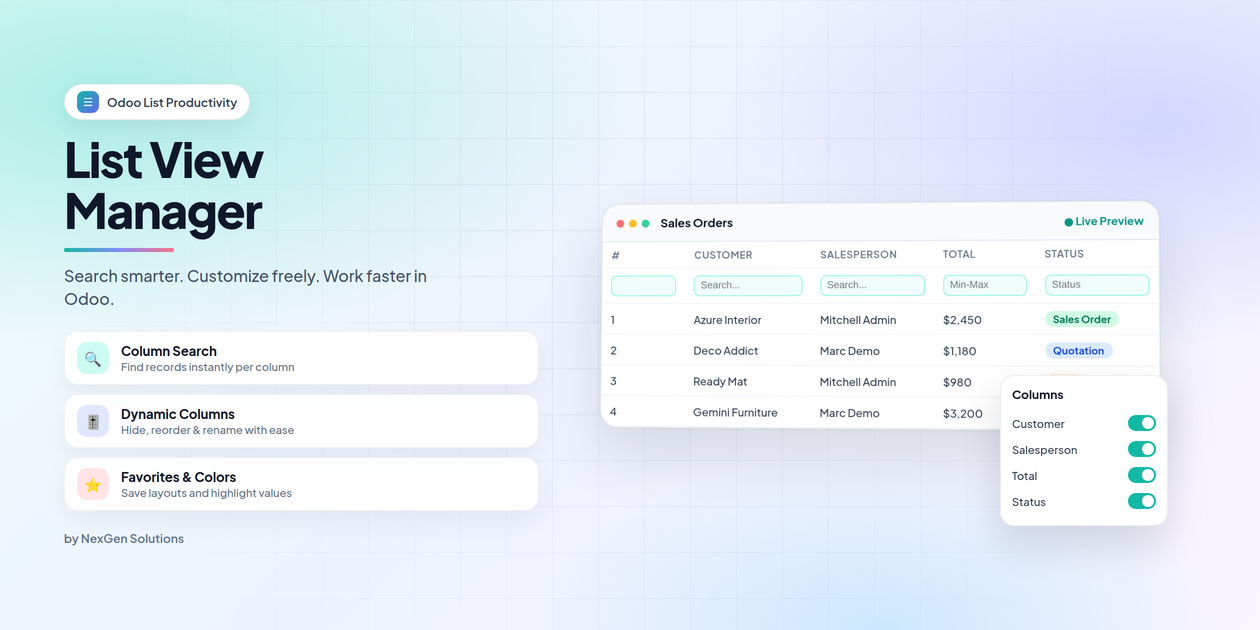
List View Manager
List View Manager turns every Odoo list into a smarter workspace — per-column advance search, dynamic columns, favorites, field colors, serial numbers, and productivity tools — without editing XML.
What does List View Manager do in Odoo 19?
Standard Odoo lists are powerful — but customizing columns, finding records fast, and keeping personal layouts usually means technical changes. List View Manager gives every user a control panel on top of list views: search each column, hide or reorder fields, save favorites, color key values, and work faster with refresh, duplicate, export, and copy tools.
Technical name: list_view_manager_nexgen. Works on Odoo 19 Community, Enterprise, Odoo.sh and on-premise.
- No XML edits — layouts save per user automatically
- Works on primary list forks (Sales, Purchase, Accounting, Manufacturing, Project, …)
- Clear access rights: User (read layout), Editor (personal layout), Manager (defaults & colors)
- Publisher: NexGen Solutions · nexgensolutions.odoo.com
Additional modules for Sales & Purchase lists
For the Sales and Purchase list views, you need to separately download the required modules from the Apps Store. These modules are available for free.
If you purchase the List View Manager module, you will need to install these additional modules separately.
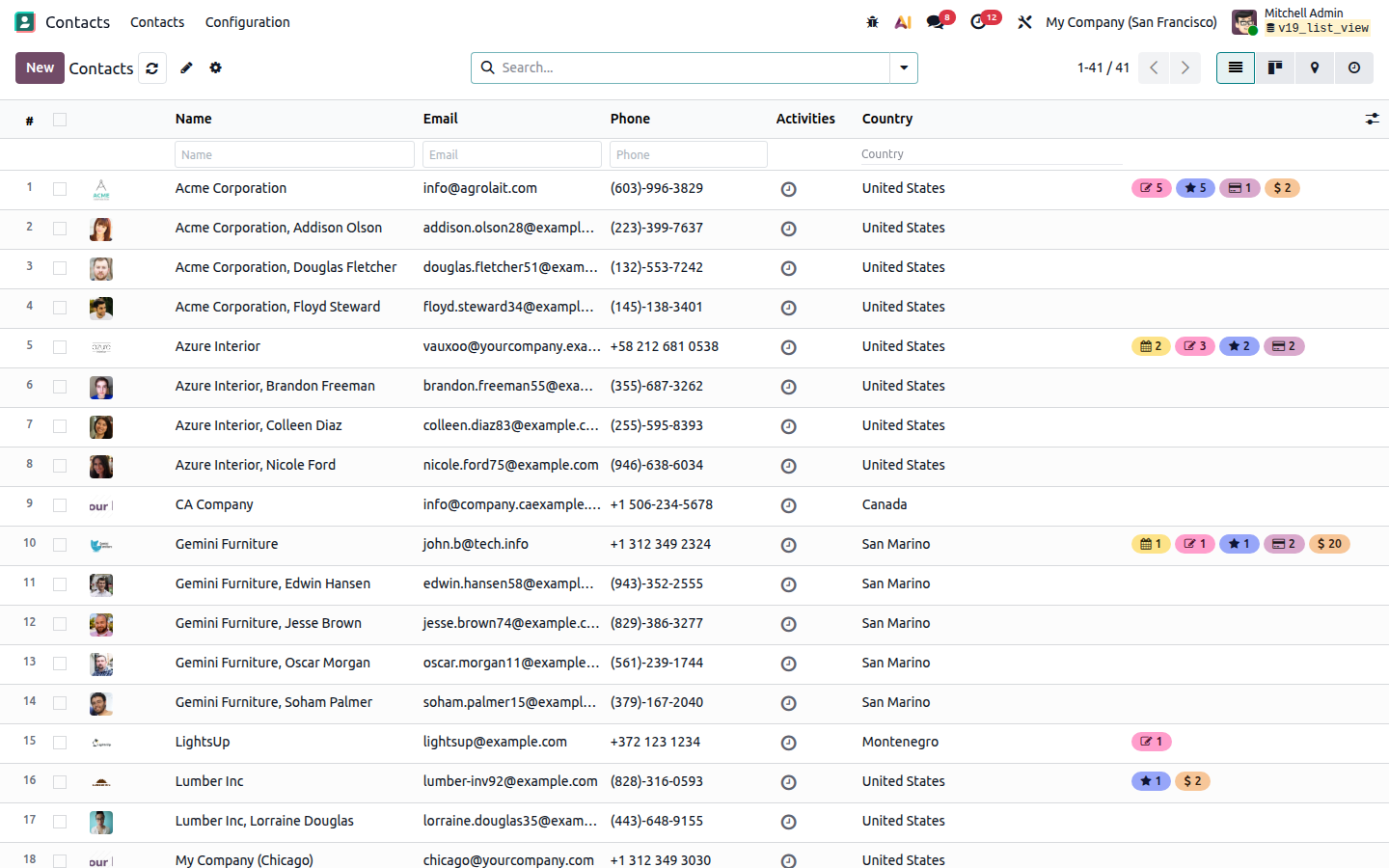
Your lists — upgraded in place
Serial numbers, column search, and List View Manager actions appear on the lists you already use every day.
Feature map
Explore every capability in the tabs below — with screenshots and details.
Q Column Search | H Hide / Show Columns |
↕ Drag & Reorder | Aa Rename Headers |
px Exact Width (px) | ★ Favorites |
● Field Colors | # Serial Numbers |
Cp Copy Cell Value | ↻ Refresh / Edit Mode |
Ex Duplicate / Export | Gr Group Visibility |
Hl Row Highlight | ✕ Clear All Filters |
1:N One2many Search | UI Brand UI Colors |
Df Save as Default | ↔ Drag Resize |
+ Add Model Fields | Off Per-view Disable |
Install once — every list feels smarter
Open any list view. Use Column Settings for layout, search above headers, and save favorites when the layout is perfect.
1
InstallInstall from Apps and refresh your browser. | 2
CustomizeHide, reorder, rename, and search columns on any list. |
3
Save favoritesStar a default layout or share it with the team. | 4
Work fasterRefresh, duplicate, export, copy, and color key values. |
Works on Sales, Purchase, Accounting, Manufacturing, Project, Contacts and more.
Disable on a specific list with advanced_view="False".
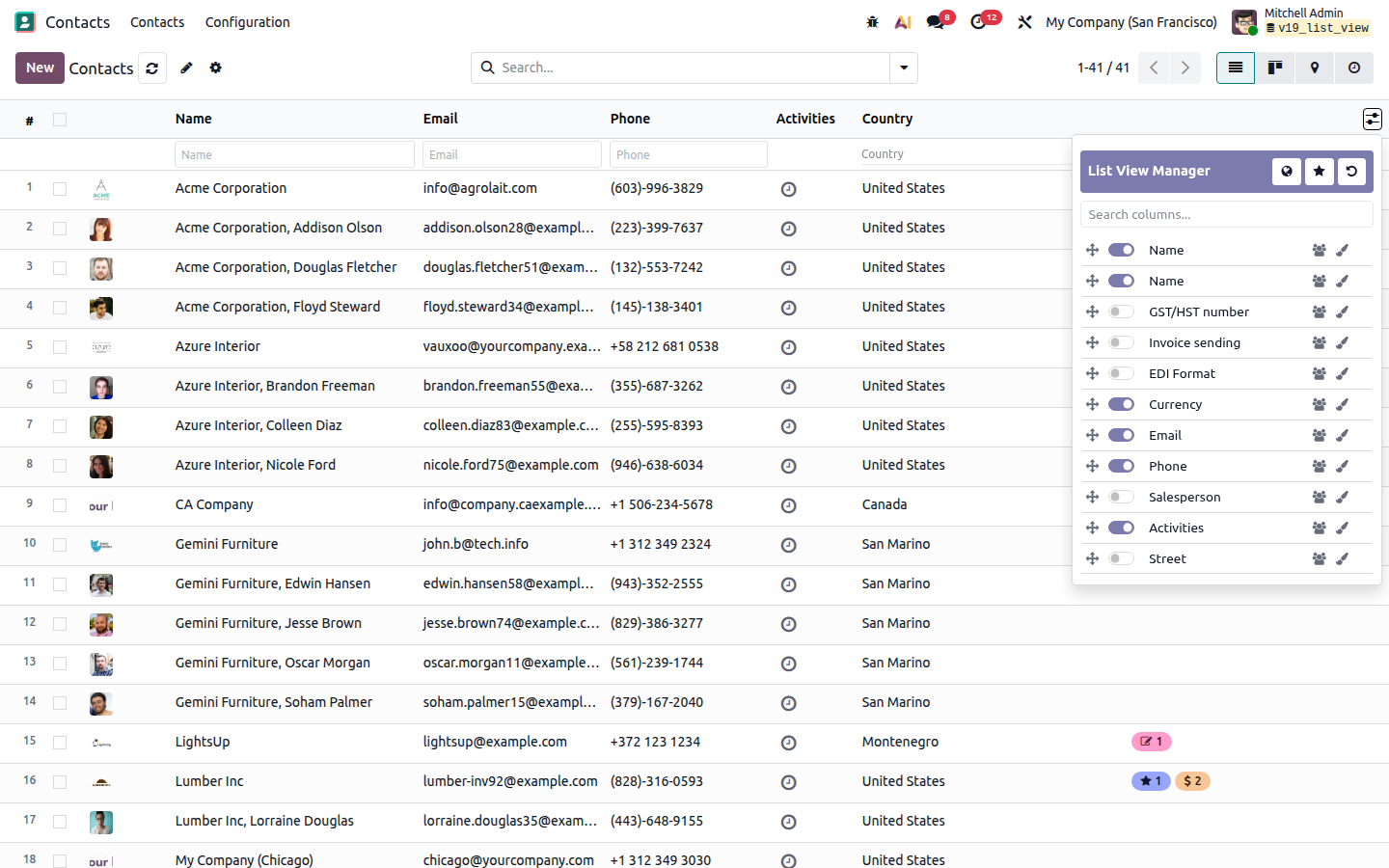
Dynamic List — Column Manager
Open Column Settings from the control panel gear. Take full control of any list layout — changes auto-save per user and restore to default anytime.
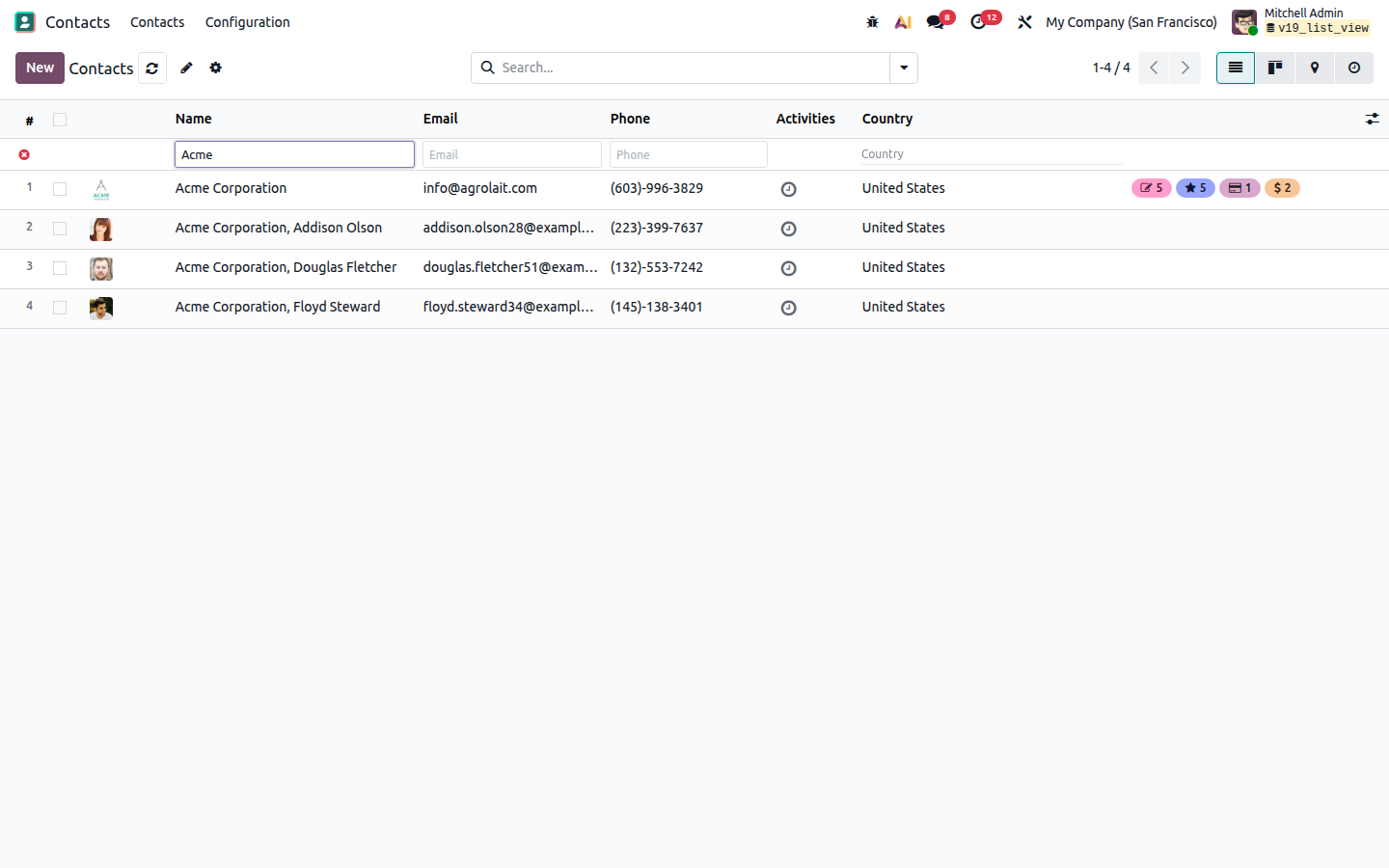
Advance Column Search
A search input appears above every searchable column. Filter instantly without building complex domain filters. Clear all column filters in one click — the list restores without a full page refresh.
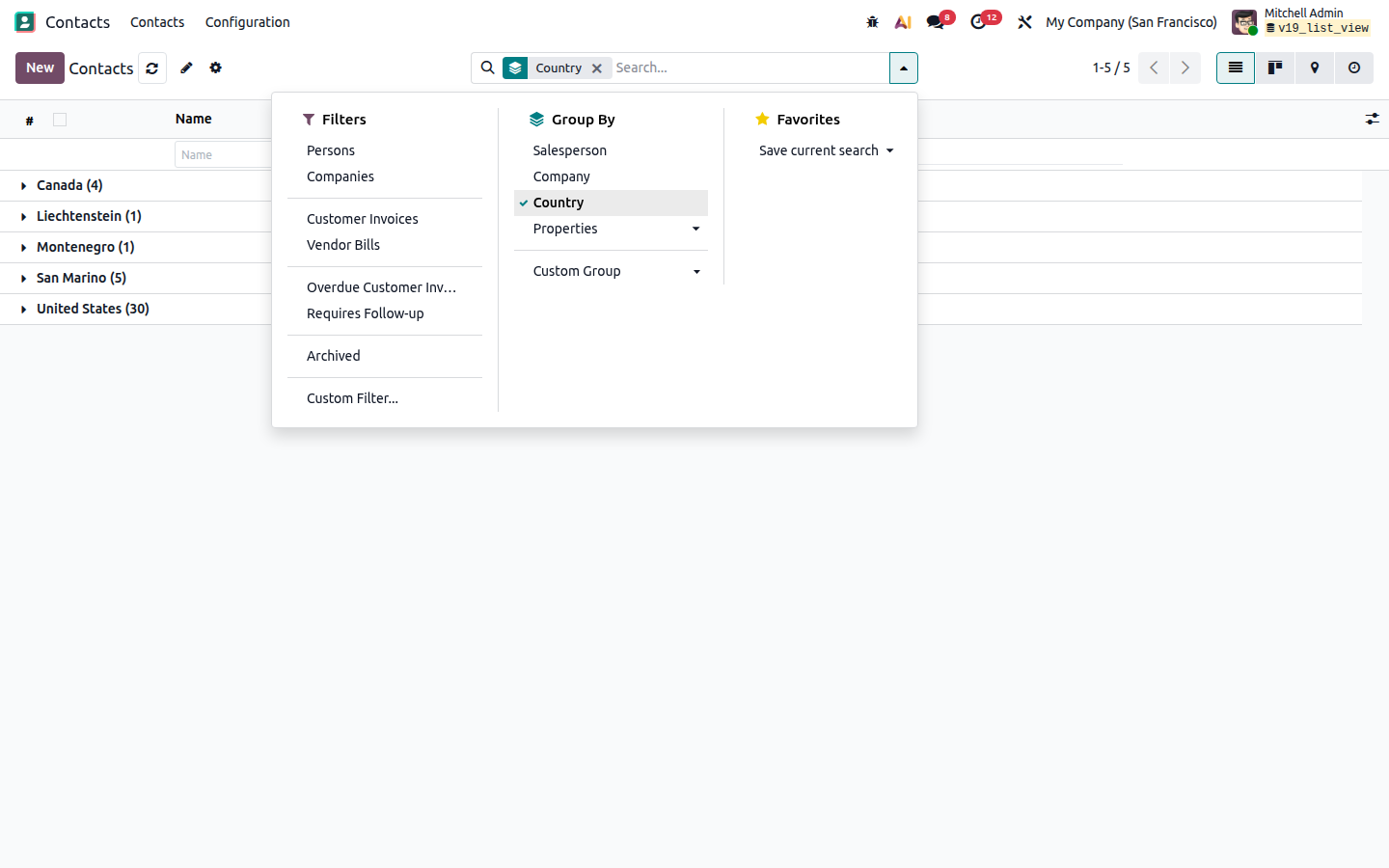
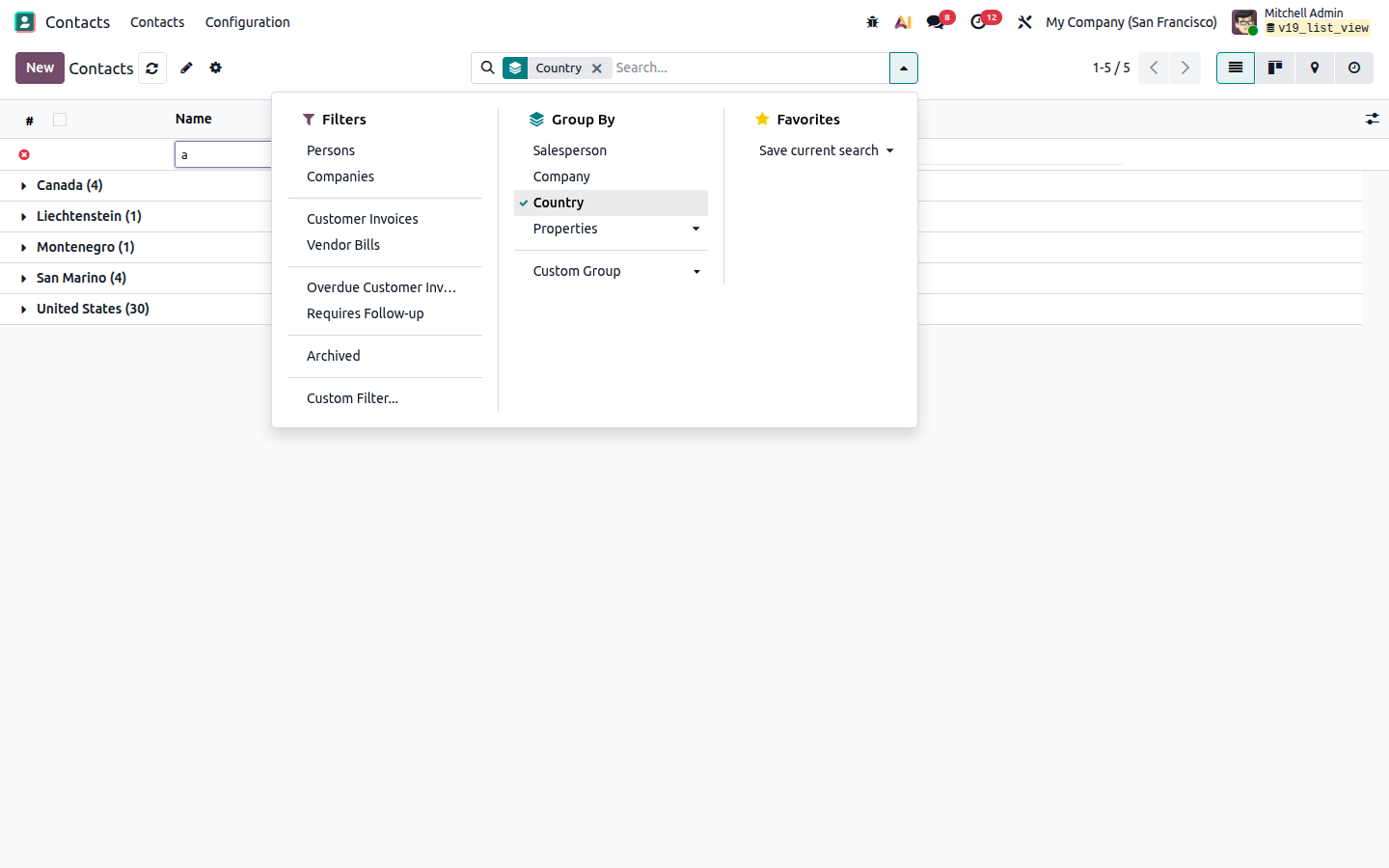
Advance Search + Group By
Combine Odoo’s native Group By with List View Manager column search. Refine records inside groups without losing your grouped structure.
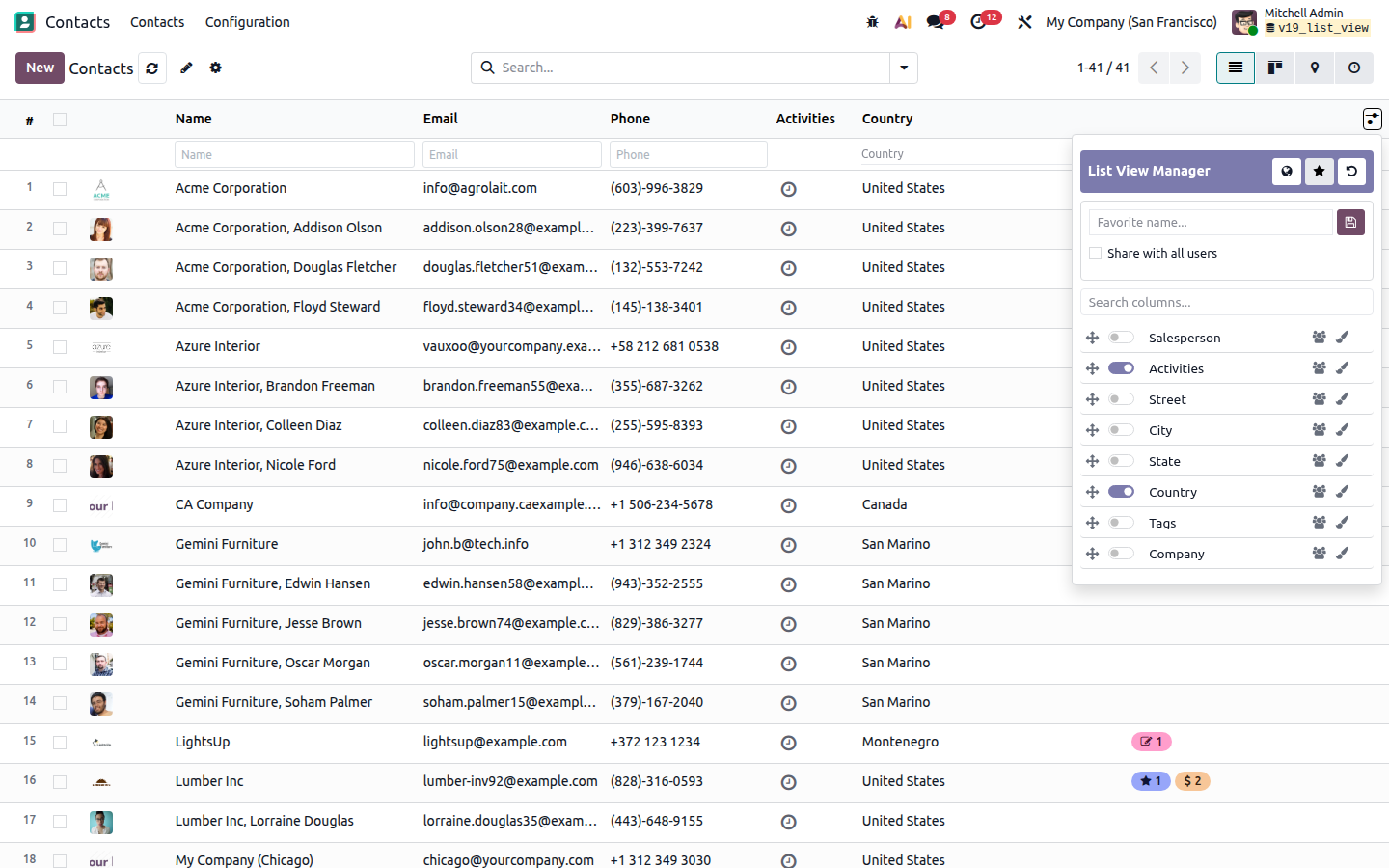
Favorites & Default Layouts
Save named favorites for the layouts you reuse most. Mark Use by default, share with all users, or publish a global default as Manager.
Field Value Colors
Highlight important values so status and ownership pop visually. Pick Many2one / Many2many records from a selector, or choose selection / boolean options — remove a color with × or Clear colors.
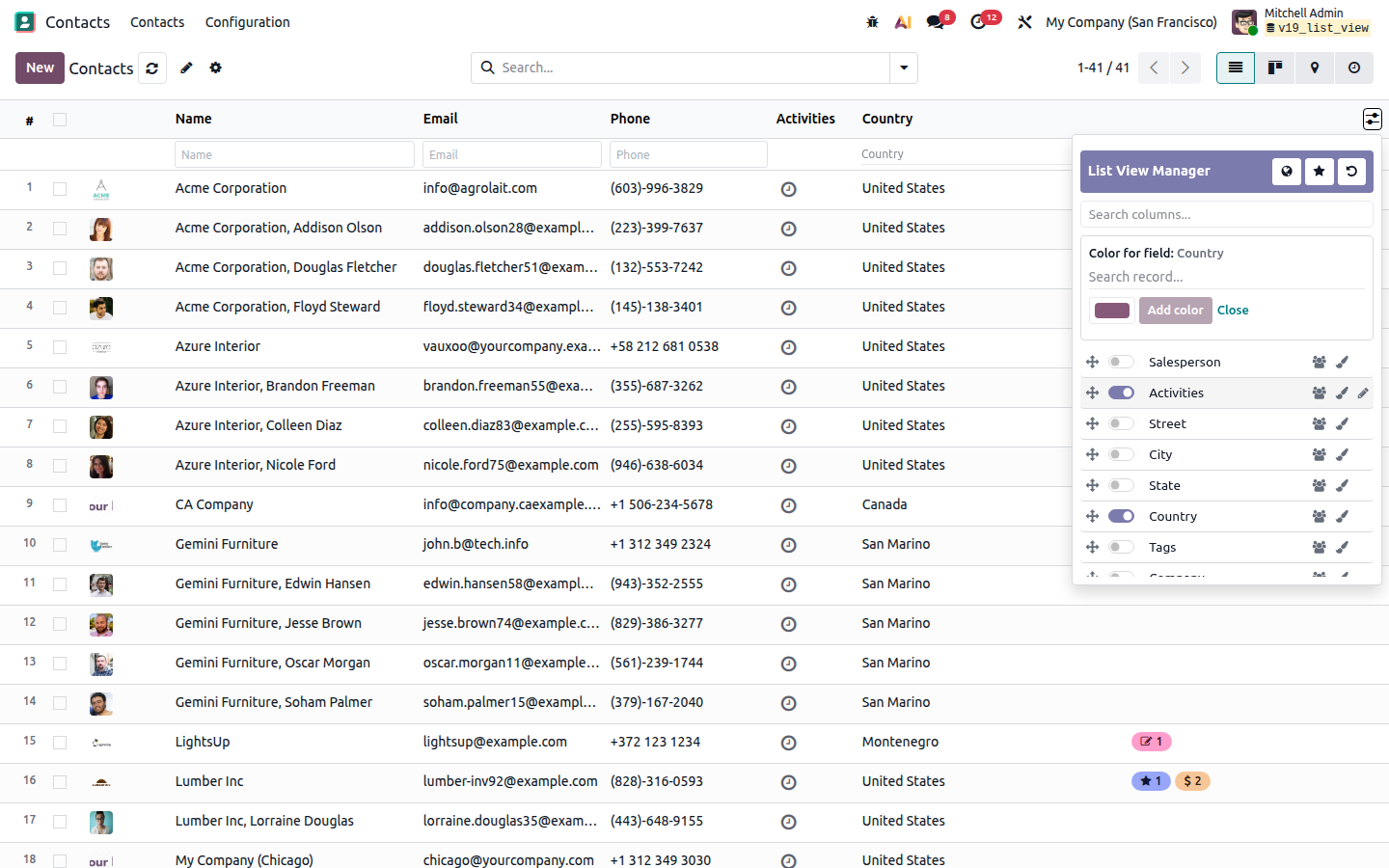
Everyday Productivity Tools
Small actions that save minutes every day — available from the list control panel and on the grid itself.
Configuration & Access Rights
Tune List View Manager from Settings, and control who can change layouts with clear privilege levels.
Settings → List View Manager
- Enable globally for "All Models" or restrict to "Selected Models"
- Quick toggle "List View Manager Enabled" directly from the Technical Models menu
- Search filter for LVM Enabled models in the Models menu
- Enable / disable serial numbers
- Row highlight on hover
- Copy cell on double-click
- Column search (header search)
- Optional One2many header search in forms
- Header & toggle colors to match your brand
- Disable LVM per list with
advanced_view="False"
Access Rights
- User — use search/copy; read-only layout
- Editor — personal column layouts & favorites
- Manager — global defaults, share, group visibility, colors
- Column visibility can be restricted by user groups
- On install: Settings users → Manager; other internals → Editor
Frequently asked questions
Quick answers about compatibility, features, access rights, search, favorites, and day-to-day use.
Compatibility & installation
Is this compatible with Odoo Enterprise?
Yes — Community, Enterprise, Odoo.sh and on-premise on Odoo 20.
Which Odoo version does List View Manager support?
This package targets Odoo 20 (technical name list_view_manager_nexgen).
What are the dependencies?
Only the core web module. Optional bridges can extend Sales / Accounting lists further when those apps are installed.
Do I need to restart the server after install?
Install or upgrade from Apps, then hard-refresh the browser (or open with ?debug=assets). A server restart is only needed if your deployment requires it for new Python modules.
Will it break my existing list views or customizations?
No. It enhances standard list UI in place. You can disable LVM on a specific list with advanced_view="False" on the list arch.
Does it work on Sales, Purchase, Project, Manufacturing, etc.?
Yes. List View Manager is built to work on primary list forks (Sales, Purchase, Accounting, Manufacturing, Project, Contacts, and similar), including Column Manager, search, and control-panel actions.
Is multi-company supported?
Yes. Layouts and favorites are stored per user and view; company record rules continue to apply as usual for the underlying data.
Access rights & security
What are User / Editor / Manager privileges?
User — search, copy, use layouts (read-only layout). Editor — personal column layouts and favorites. Manager — global defaults, share, group visibility, field colors, advanced settings.
Who gets which group on install?
Settings / Administration users typically receive Manager. Other internal users without an LVM group get Editor. Adjust anytime under Settings → Users → Access Rights → List View Manager.
Can I hide a column from specific user groups?
Yes. Managers can restrict column visibility by user groups so sensitive columns stay hidden from selected teams.
Does List View Manager bypass Odoo record rules?
No. It only changes how lists are displayed and filtered in the UI. Odoo ACLs and record rules still apply.
Can portal / public users use List View Manager?
LVM is designed for backend / internal list views. Assign LVM groups only to internal users who should customize or search lists.
Columns & layouts
Do layouts persist after logout?
Yes. Personal layouts and favorites are stored per user and view, then reapplied automatically.
Where do I open Column Settings?
From the list control panel — open the List View Manager / Column Settings gear (or Columns panel) on any supported list.
Can I rename column headers without changing the field?
Yes. Rename is a display label only — the underlying field technical name stays unchanged.
How do I set an exact column width?
Drag the column border to resize, or enter an exact width in pixels inside the Column Manager. Widths persist for that user/view.
Can I add fields that are not in the original list?
Yes. From Column Manager you can add extra model fields into the list (subject to field availability and access rights).
How do I restore the original list layout?
Use Restore defaults in Column Manager to reset visibility, order, renames, widths, and related personal layout options.
Can I hide the action / buttons column?
Yes. Column Manager lets you hide/show action and button columns on supported lists.
Are layouts shared between different list views?
No by default — configurations are stored per model/view so Contacts and Sales Orders keep separate layouts.
Column search
Does column search work with Group By?
Yes. Column filters combine with Odoo’s Group By so you can refine records inside groups.
Which field types can I search?
Char, Text, numeric, Selection, Boolean, Date/Datetime, Many2one and Many2many. Binary, HTML, One2many, JSON and non-stored/non-searchable fields are skipped safely.
How do I clear all column filters?
Use the Clear filters control on the search row, or empty each input. The list reloads with the original search/action domain — no full page refresh required.
Can I turn column search off globally?
Yes. Disable header / column search from Settings → List View Manager.
Does search work on One2many lists inside forms?
Optional One2many header search can be enabled from Settings for form embedded lists.
Why don’t I see a search box on some columns?
Those fields are likely non-stored, non-searchable, or unsafe types (e.g. image/binary). LVM hides search there to avoid server errors.
Favorites & defaults
Can managers set a company-wide default?
Yes. Managers can share favorites and publish the current layout as the global default for all users.
What does “Use by default” mean?
That favorite becomes your automatic layout when you reopen the same list. You can star/unstar it later.
What does “Share with all users” do?
A personal favorite can be published company-wide so other users can load the same layout (Manager privilege).
Can I delete a favorite?
Yes. Open the Favorites panel, select the favorite, and delete it. Shared/global defaults follow Manager privileges.
Colors & productivity tools
Which fields support value colors?
Many2one, Many2many, Selection and Boolean. Pick records/options from the color panel instead of typing IDs.
How do I remove a field color?
Use the × on a color rule or Clear colors. Removals persist across favorites/global defaults.
How do I copy a cell value quickly?
Double-click a data cell (when copy is enabled in Settings). A short notification confirms the copied text.
What does Refresh do?
It reloads list data without a full browser page refresh — faster than F5 while keeping your place in the app.
What is Read / Edit mode?
Toggle inline editing on the list from the control panel — switch between safe read browsing and editable rows when you need them.
Can I duplicate or export from the list?
Yes. Duplicate selected records and export the current visible/ordered columns from List View Manager control-panel actions.
Can I customize header / toggle colors?
Yes. Settings → List View Manager includes options for header background/text and toggle colors to match your branding.
Settings & troubleshooting
Where are the global settings?
Settings → List View Manager — serial numbers, hover highlight, copy, column search, One2many search, and colors.
I don’t see serial numbers / search / gear — why?
Check Settings toggles, your LVM access group, and that the list is not tagged advanced_view="False". Then hard-refresh assets.
Does printing include the search row / serial UI?
Print stylesheets hide LVM search/serial chrome so printed lists stay clean.
Can I disable List View Manager on one list only?
Yes — set advanced_view="False" on that list view arch.
Is there a free trial / demo?
Contact NexGen Solutions for a demo or evaluation on your Odoo 19 database via nexgensolutions.odoo.com.
Do you provide customization?
Yes. NexGen Solutions can tailor LVM behavior, branding, or industry-specific list workflows — reach out through the website or Apps Store ticket.
How is support handled after purchase?
Raise a ticket from the Odoo Apps Store purchase page or contact NexGen Solutions via nexgensolutions.odoo.com.
Need something not listed here?
Tell us your use case — we’re happy to advise on setup, access design, or custom list productivity features.
Everything included in List View Manager
A full inventory of capabilities shipped in list_view_manager_nexgen for Odoo 19.
Dynamic columns
- Hide / show columns
- Drag & drop reorder
- Rename headers (label only)
- Exact width (px) + drag resize (persisted)
- Hide action / button columns
- Add extra model fields
- Search columns inside Column Manager
- Restore defaults / auto-save per user
- Save as default for all users (Manager)
Advance search
- Char / Text / Integer / Float / Monetary
- Selection & Boolean dropdowns
- Date / Datetime inputs
- Many2one / Many2many multi-record selectors
- Clear all filters in one click
- Works with Odoo Group By
- Skips non-stored / non-searchable fields
- Optional One2many header search in forms
- No full-page refresh on clear / filter
Favorites & colors
- Save / load / delete named favorites
- Use by default (star)
- Share with all users
- Global default layouts (Manager)
- Field value colors: M2O / M2M / selection / boolean
- Color picker + clear / remove colors
- Column visibility by user groups
Tools, settings & access
- Enable for All Models vs Selected Models
- Technical Models menu integration & filters
- Serial numbers (#)
- Row highlight on hover
- Double-click copy to clipboard
- Soft refresh (no full reload)
- Read / Edit mode toggle
- Duplicate selected records
- Export current view (respects LVM order)
- Control-panel tools on primary list forks
- Settings toggles + brand UI colors
- User / Editor / Manager access rights
- Per-view disable via advanced_view="False"
- Free Sales & Purchase companion modules
Find records faster. Keep layouts personal.
Turn every Odoo list into a productive workspace — without XML, without developer tickets, and without forcing one layout on every user.
|
Q
Faster data discoveryPer-column advance search finds records in seconds — including Many2one and Many2many.
|
H
Cleaner list layoutsHide noise, reorder what matters, and rename headers so teams see only relevant columns.
|
|
★
Reusable favoritesSave named layouts, use by default, share with the company, or publish a global default.
|
●
Visual clarityColor key field values so status and ownership stand out instantly in dense lists.
|
|
!
Daily productivityRefresh, duplicate, export, copy cells, serial numbers, and read/edit toggle from the list itself.
|
Sh
Controlled customizationUser / Editor / Manager rights and group-based column visibility keep changes safe.
|
|
Up
Works where you workSales, Purchase, Accounting, Manufacturing, Project, Contacts and other primary lists.
|
$
Lower TCOOne module for search, columns, favorites, colors and list tools — instead of stacking apps.
|
|
01
Shape the listHide, reorder, rename and size columns for the job at hand. |
02
Search & actFilter per column, then refresh, duplicate, export or copy values. |
03
Save & shareFavorite layouts, set defaults, and keep teams consistent. |
One purchase vs typical split list tools
Stop stacking separate apps for column search, dynamic lists, favorites and colors. Get a connected List View Manager in one module.
|
Best value — one purchase
List View ManagerOne module. One price. Full list productivity stack.
|
Typical approach
Split / partial toolsBuy separately or customize XML for each need.
|
Capability comparison
See exactly what you get in one purchase versus buying features separately.
| Capability | List View Manager | Typical split tools |
|---|---|---|
| Dynamic hide / show / reorder / rename | ✓ Included | Often base only |
| Exact width + drag resize | ✓ Included | ✕ Often 2nd paid app |
| Advance column search (M2O / M2M) | ✓ Included | ✕ Often 2nd paid app |
| Clear filters + Group By support | ✓ Included | ✕ Usually missing |
| Favorites, share & global default | ✓ Included | ✕ Often 3rd paid app |
| Field value colors | ✓ Included | ✕ Often separate add-on |
| Serials, copy, refresh, duplicate, export | ✓ Included | ✕ Usually partial |
| User / Editor / Manager + group visibility | ✓ Included | ✕ Usually missing |
| One2many header search in forms | ✓ Included | ✕ Usually missing |
| Row highlight + brand UI colors | ✓ Included | ✕ Often separate |
| Add extra model fields to the list | ✓ Included | ✕ Needs XML |
| Export respects LVM visible column order | ✓ Included | ✕ Usually native only |
| Free Sales & Purchase companion bridges | ✓ Included | ✕ Extra paid apps |
One connected list platform — search, columns, favorites, colors and tools together.
90 days free support after purchase
Installation, configuration guidance, questions and bug fixing from NexGen Solutions
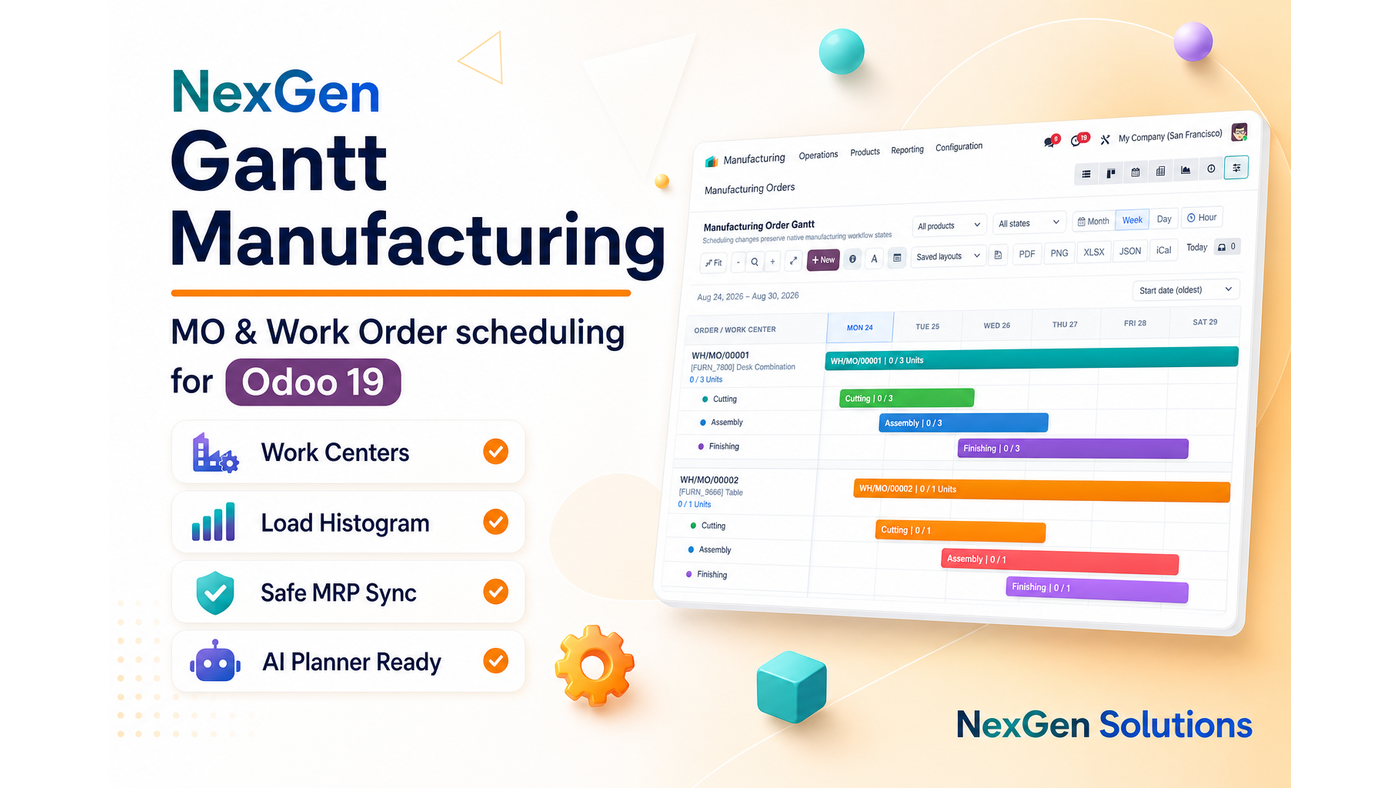
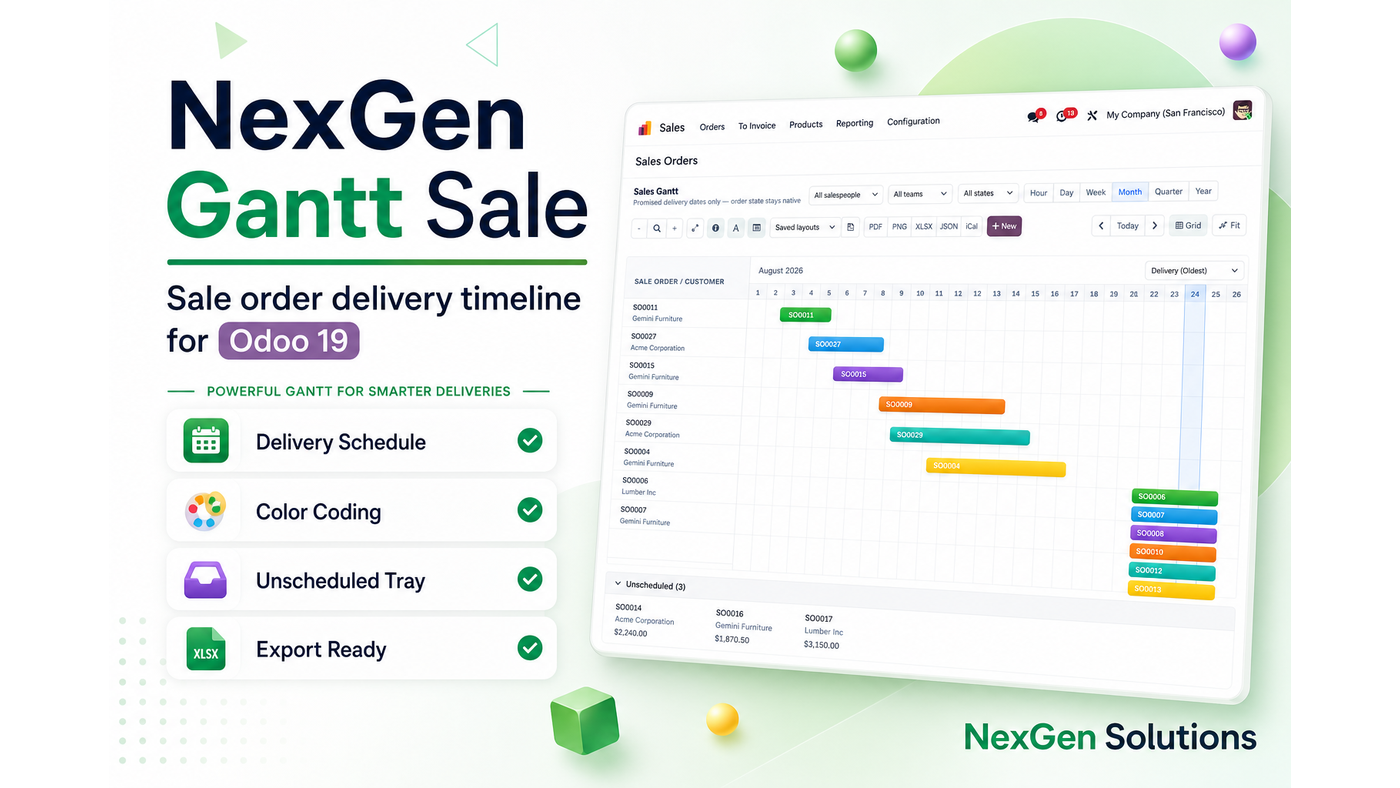
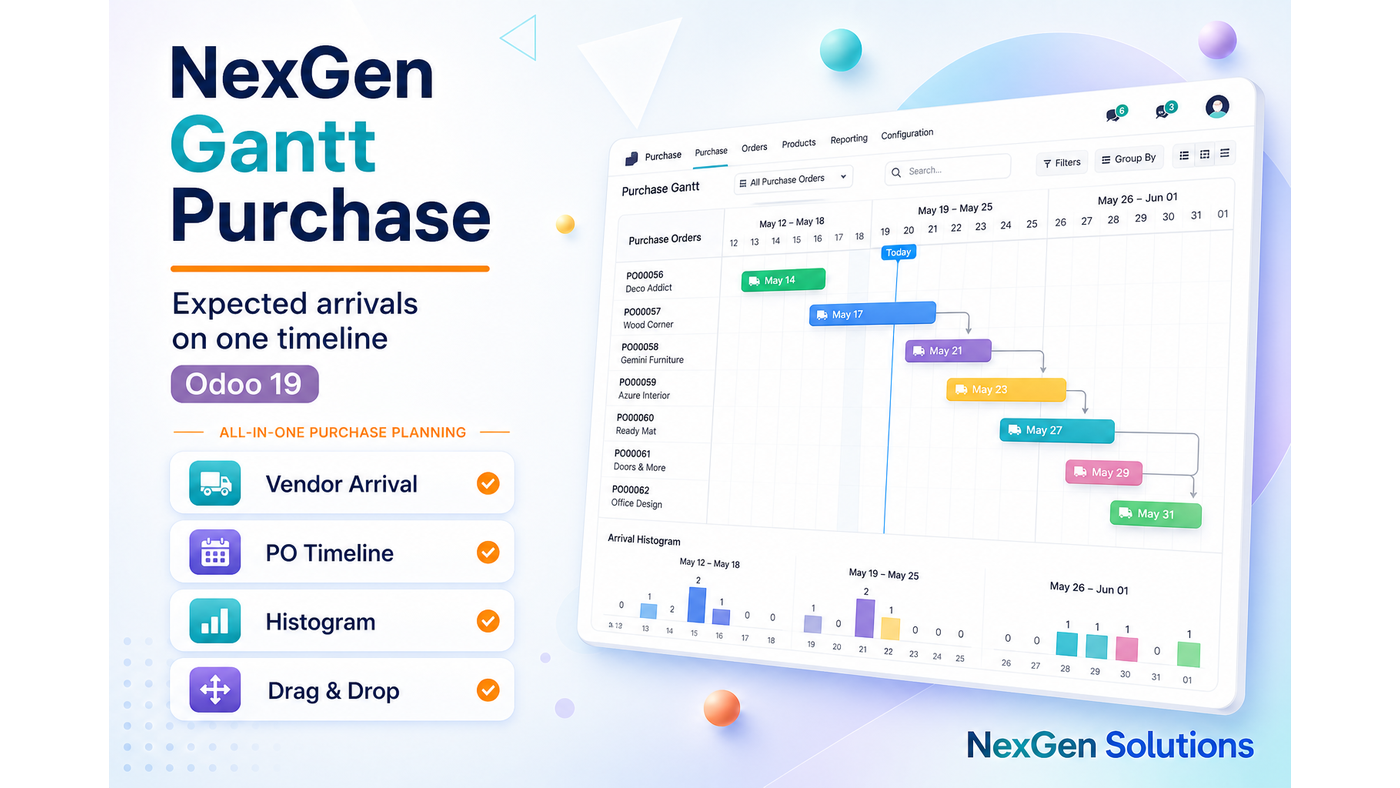
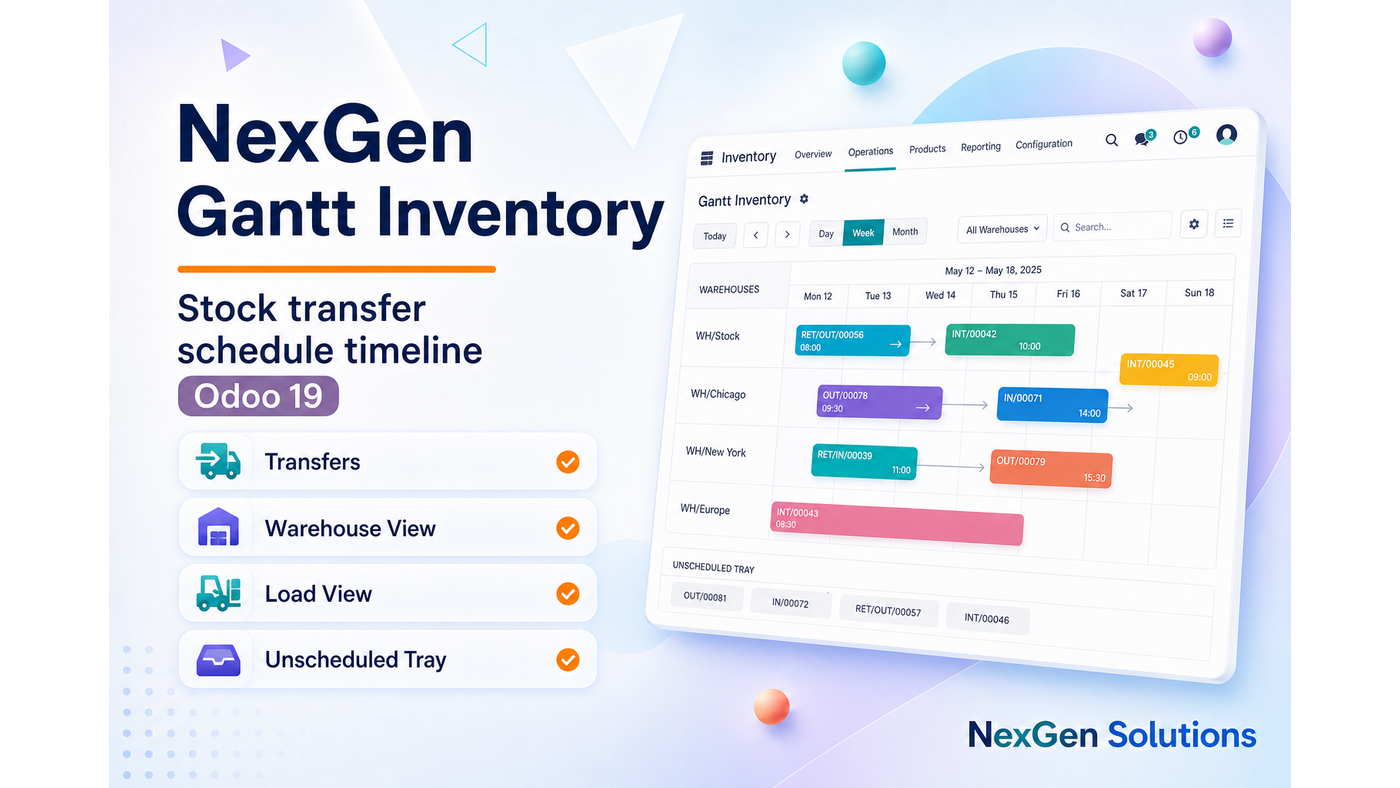
Explore our suggested Odoo apps
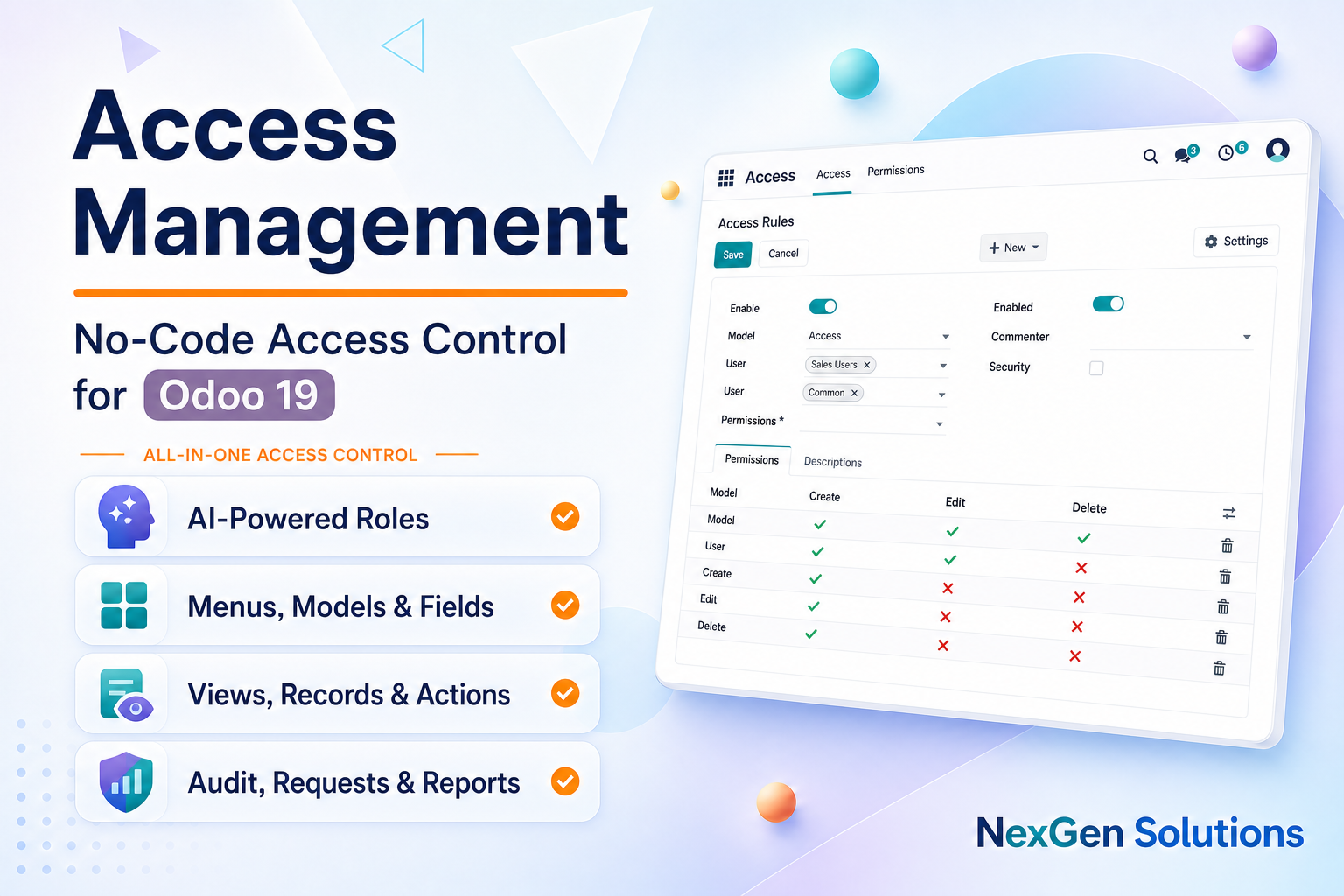
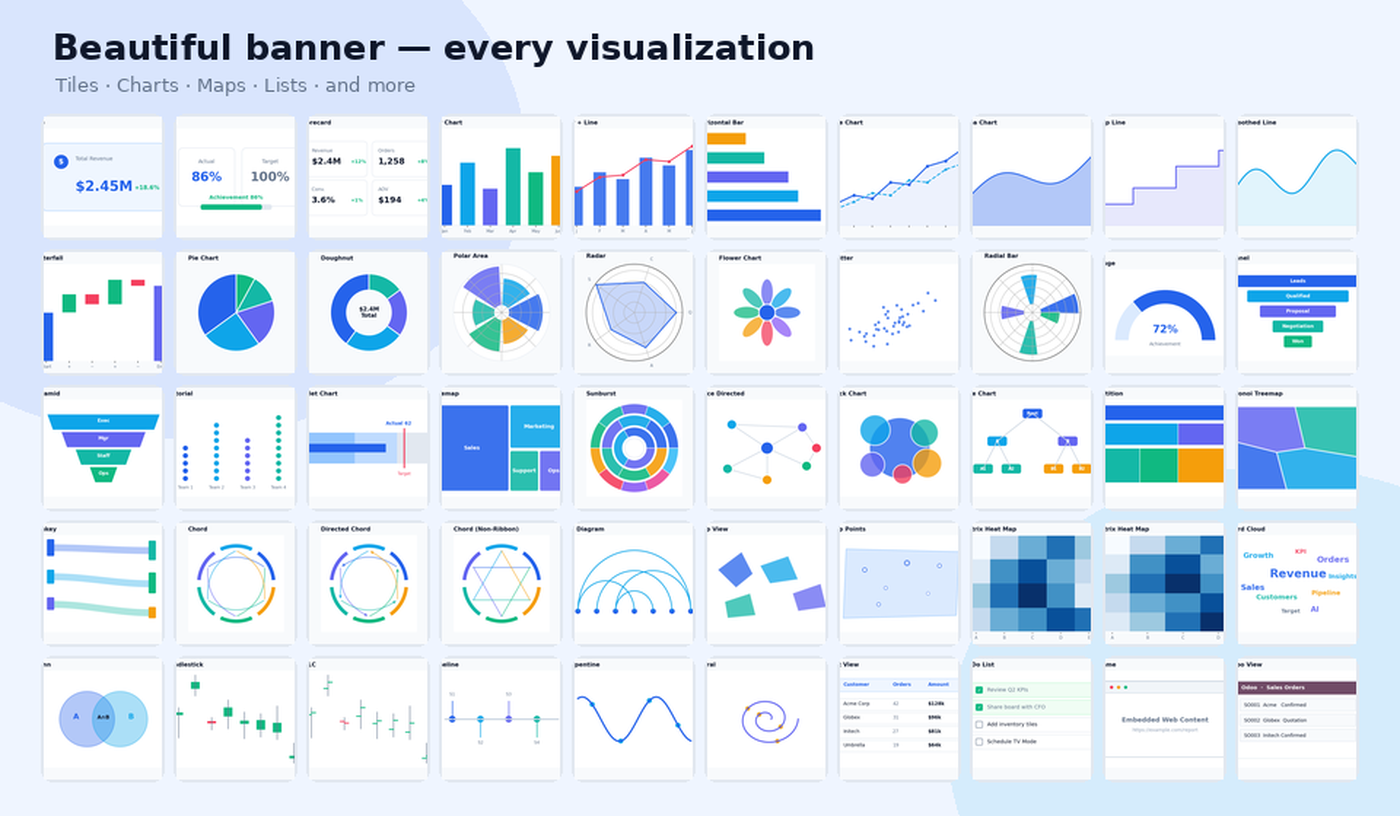
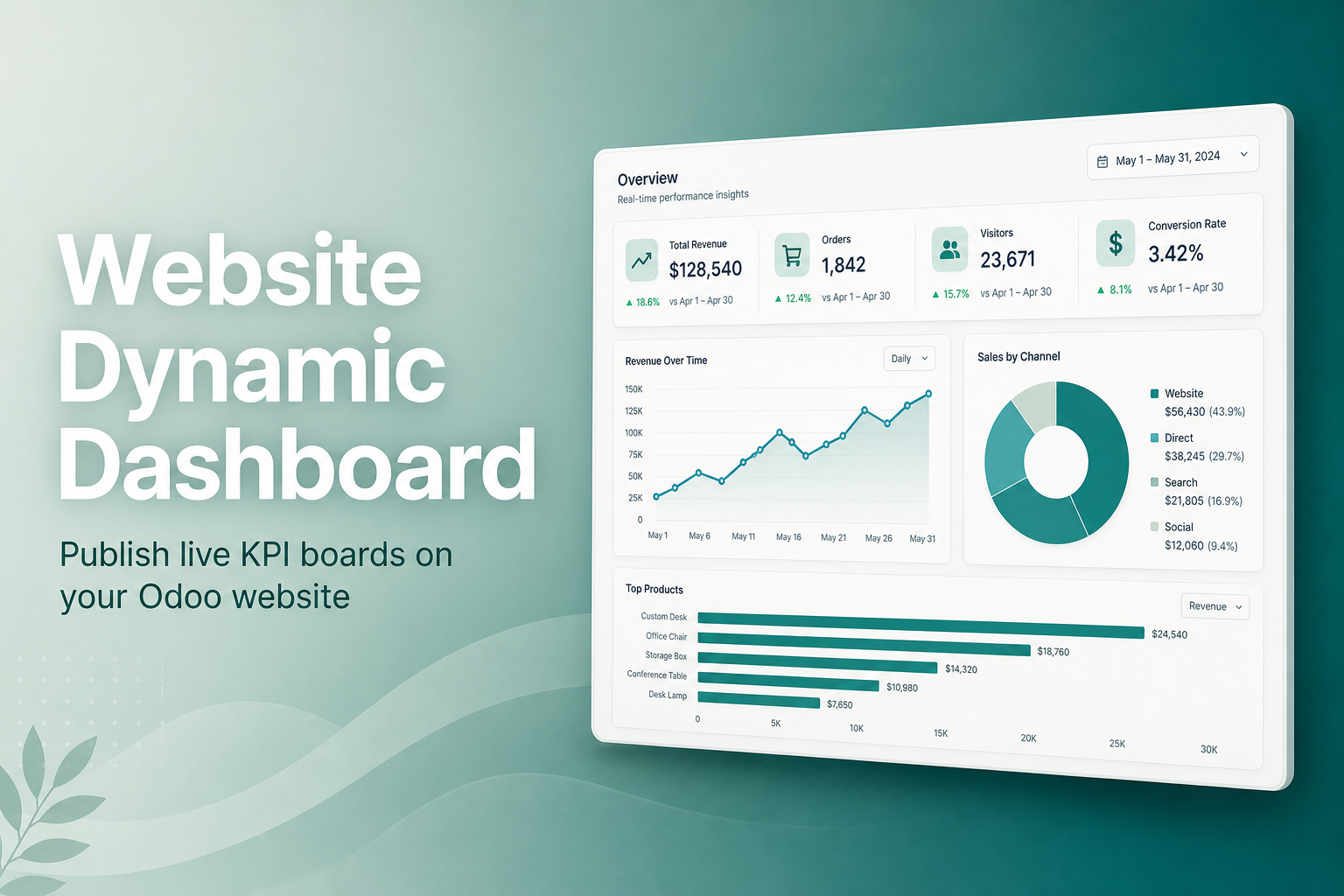
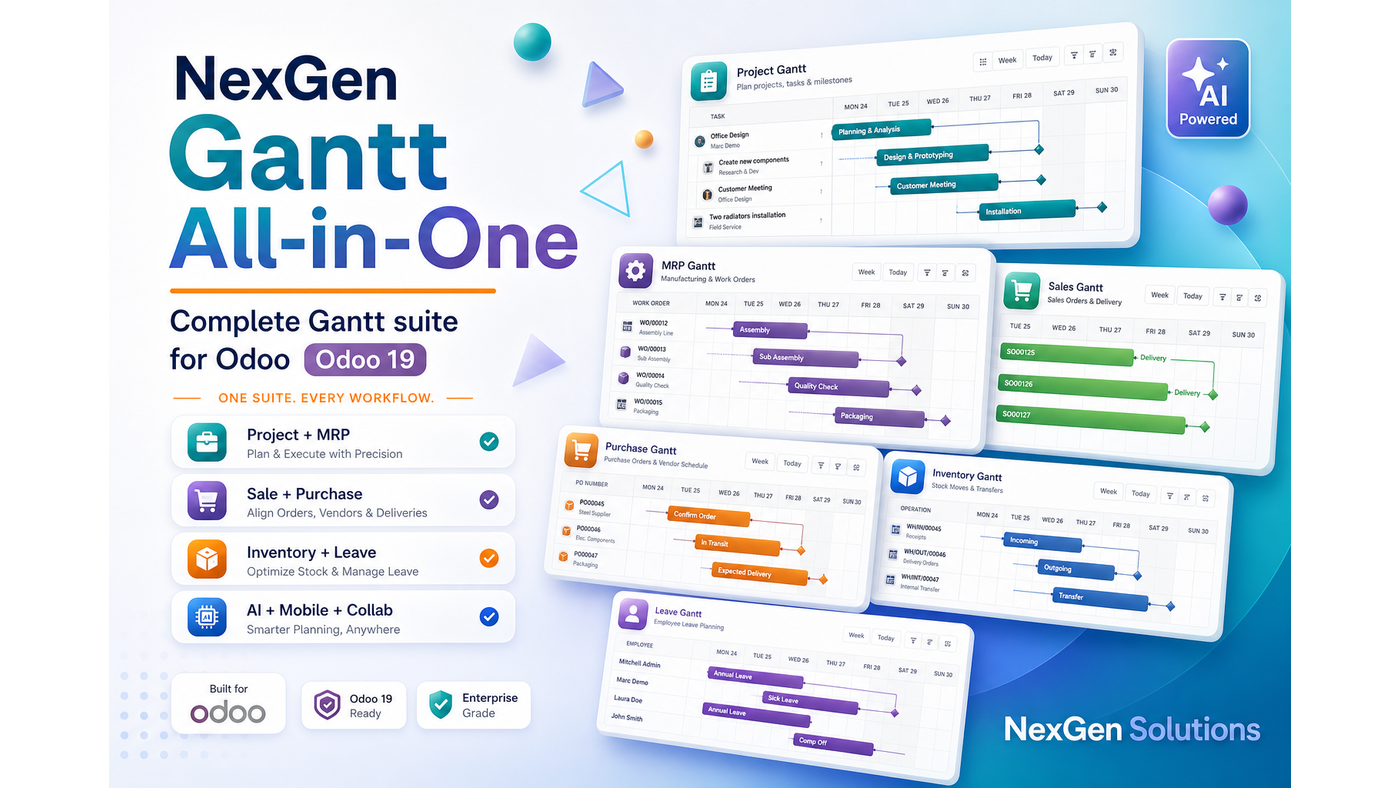
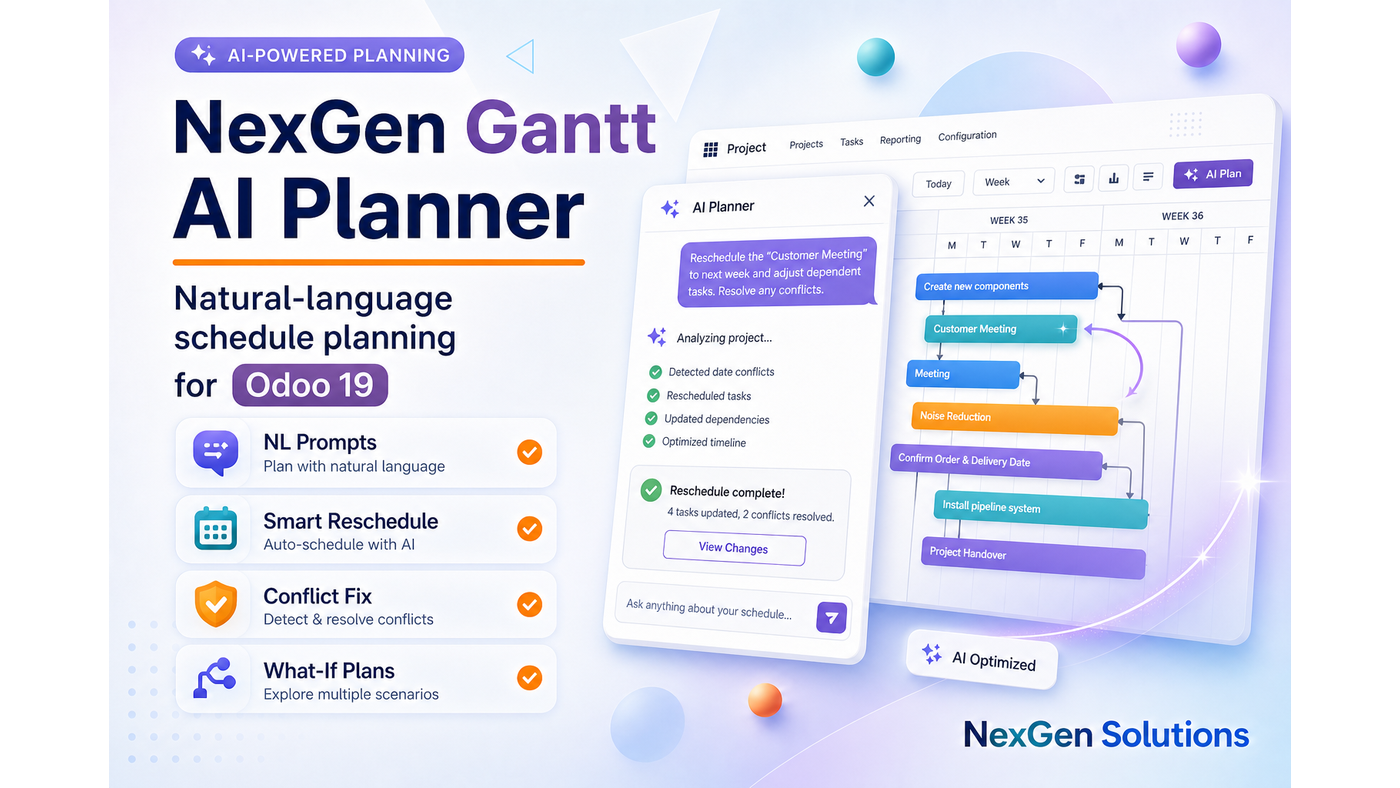
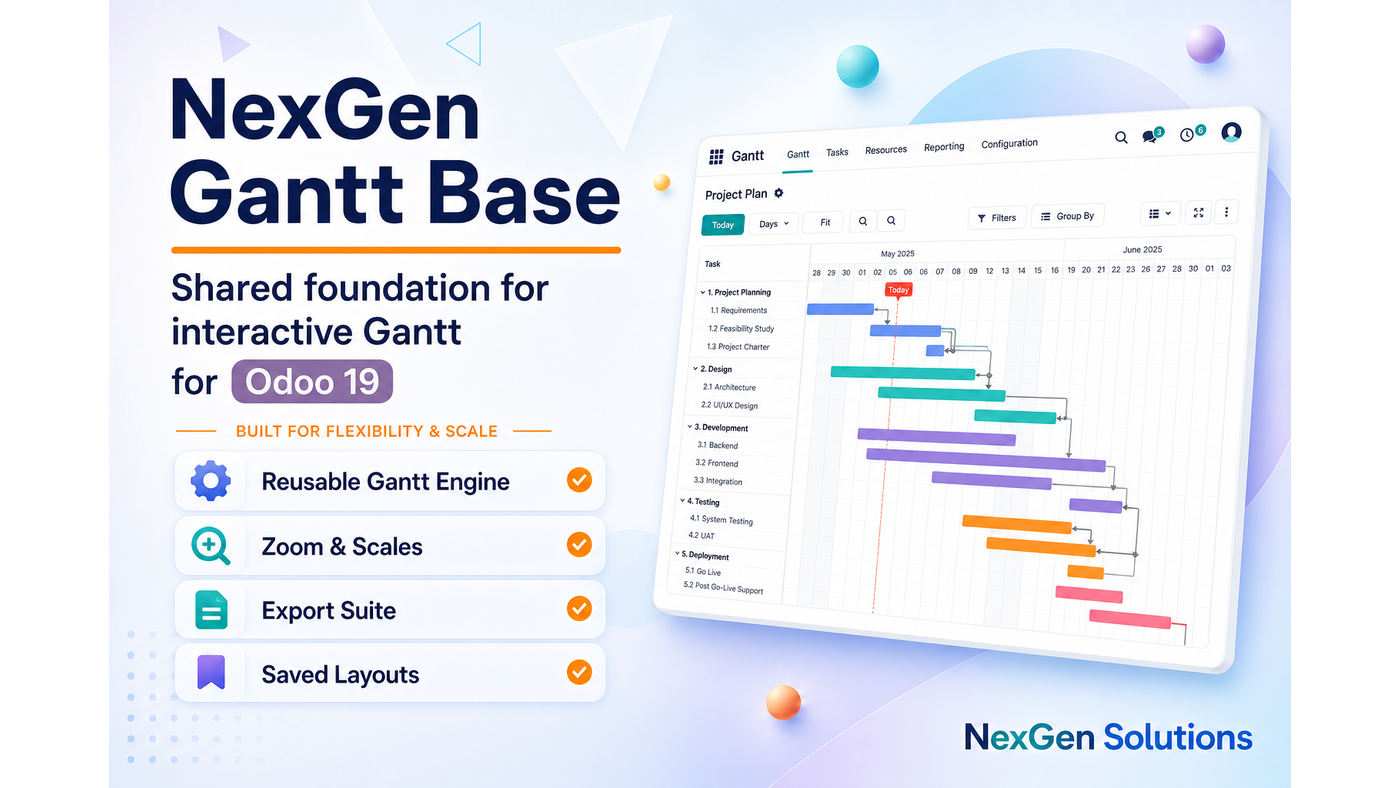
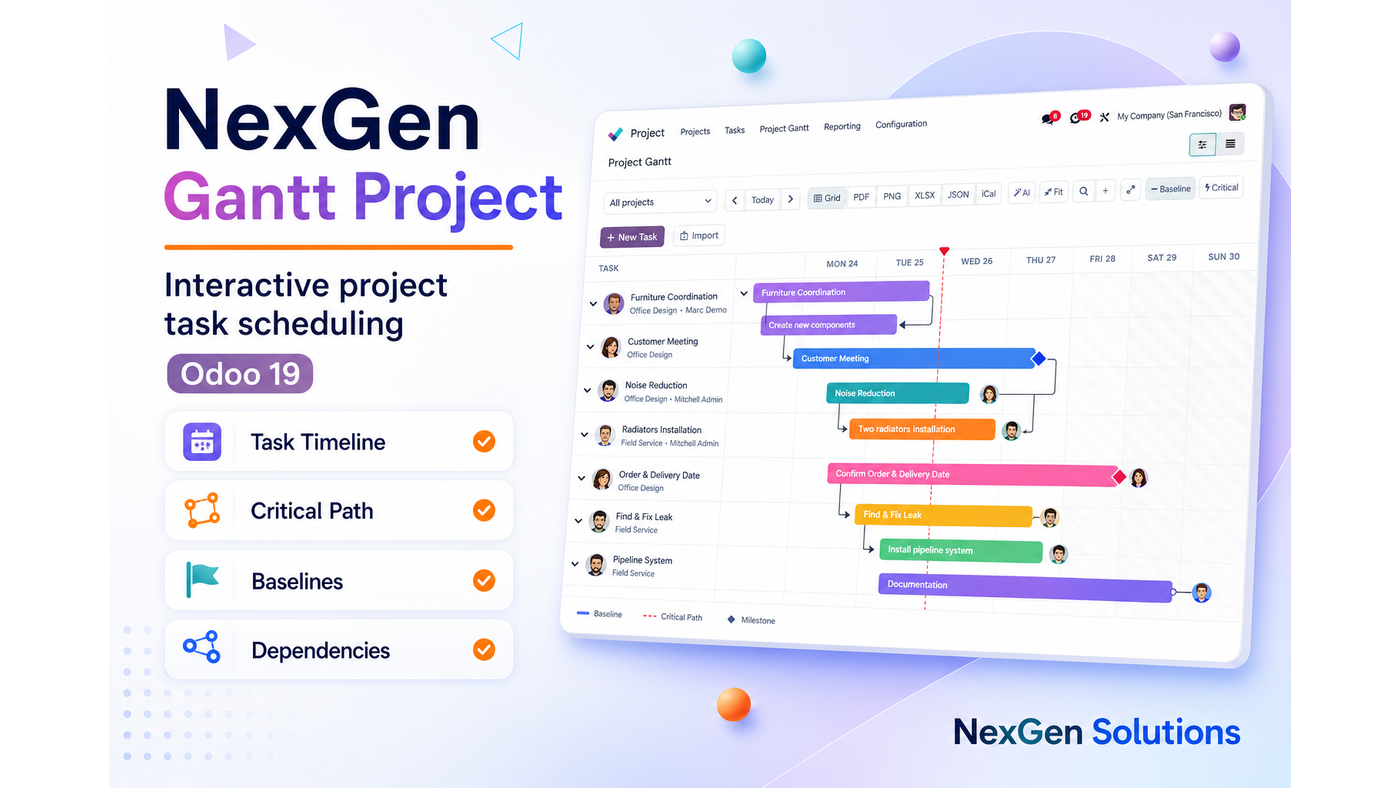
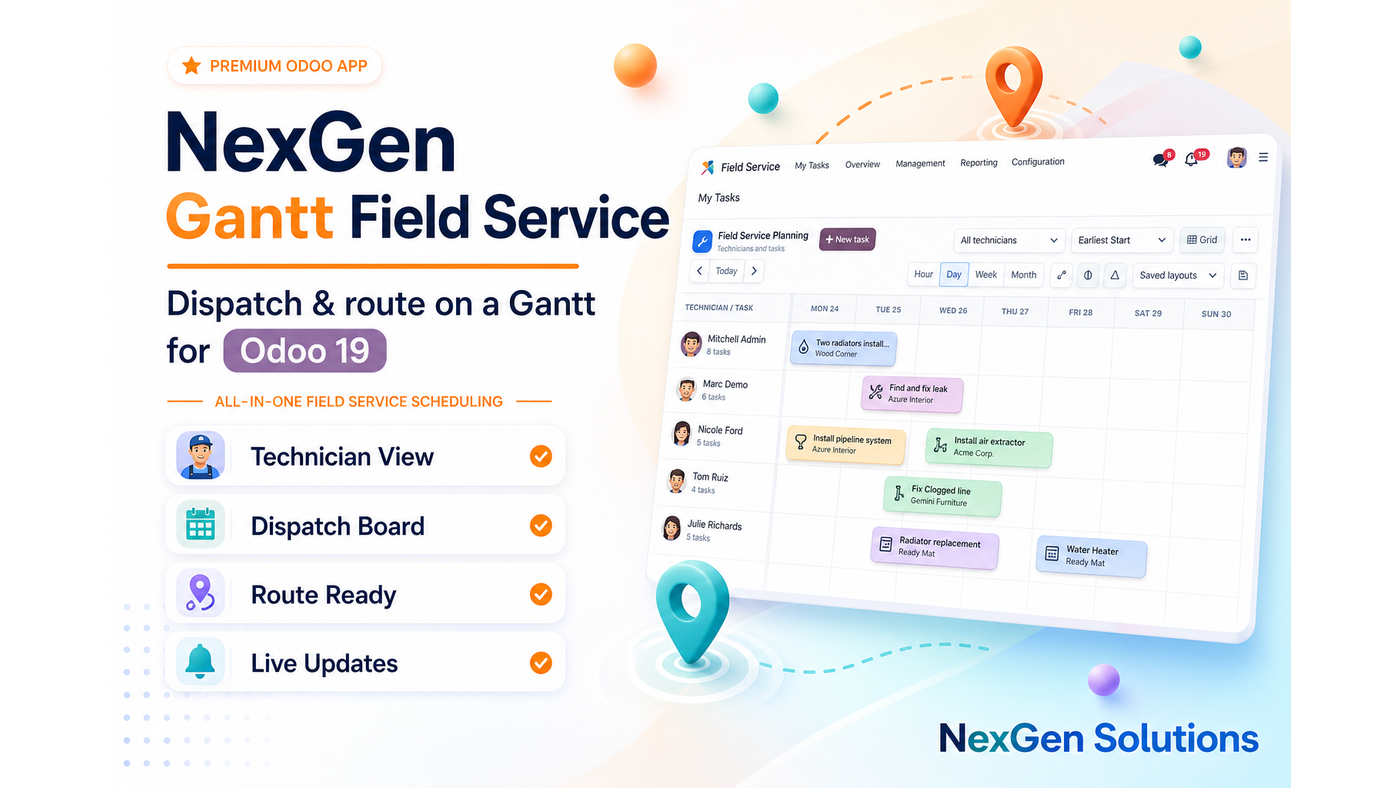
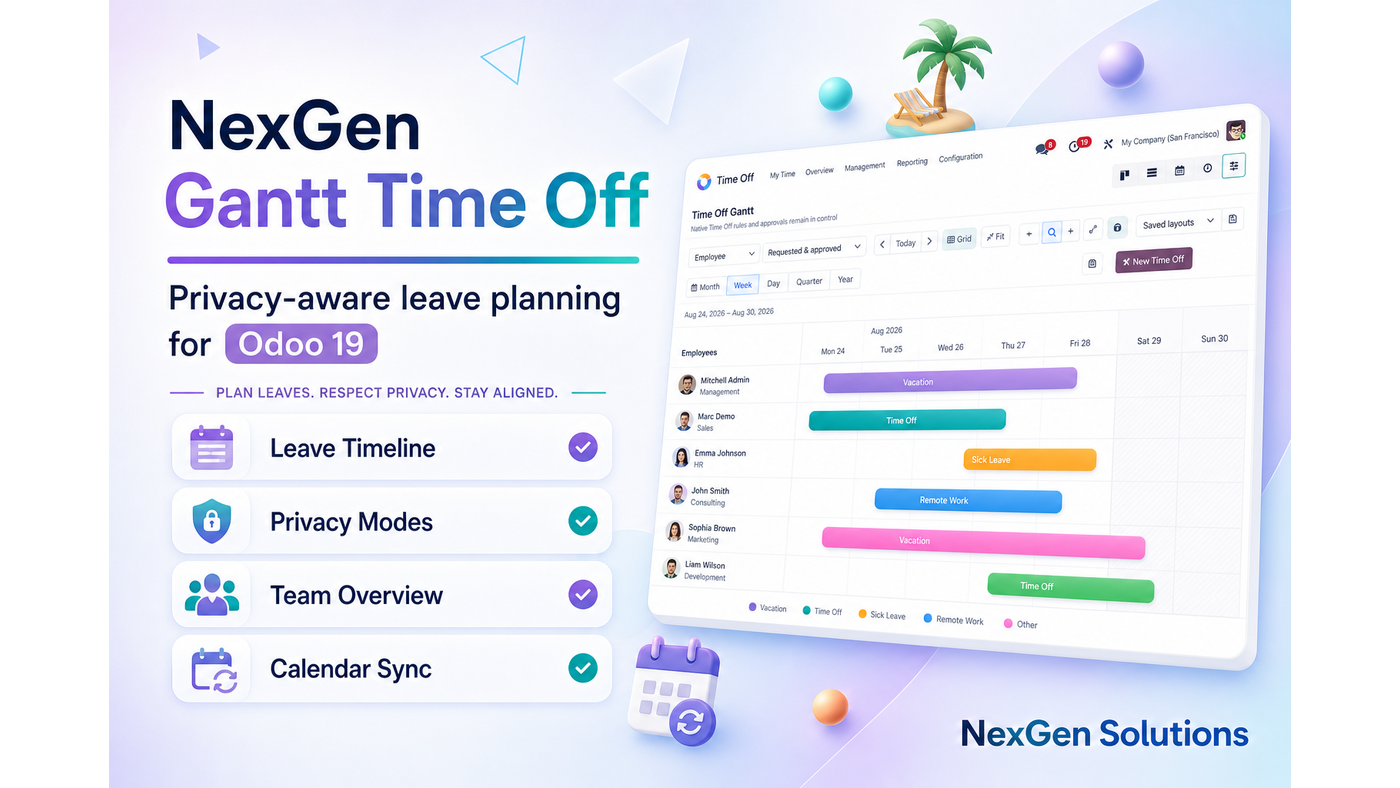
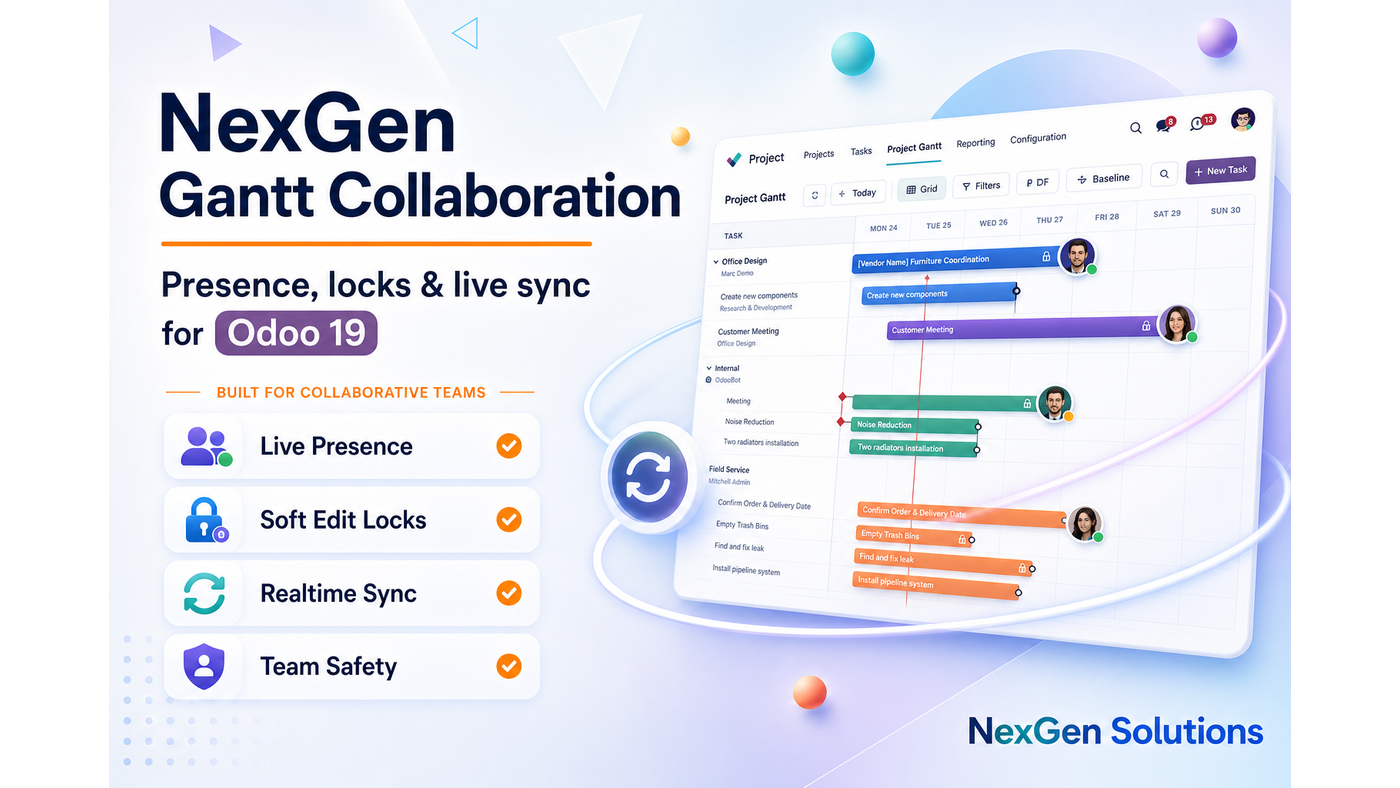
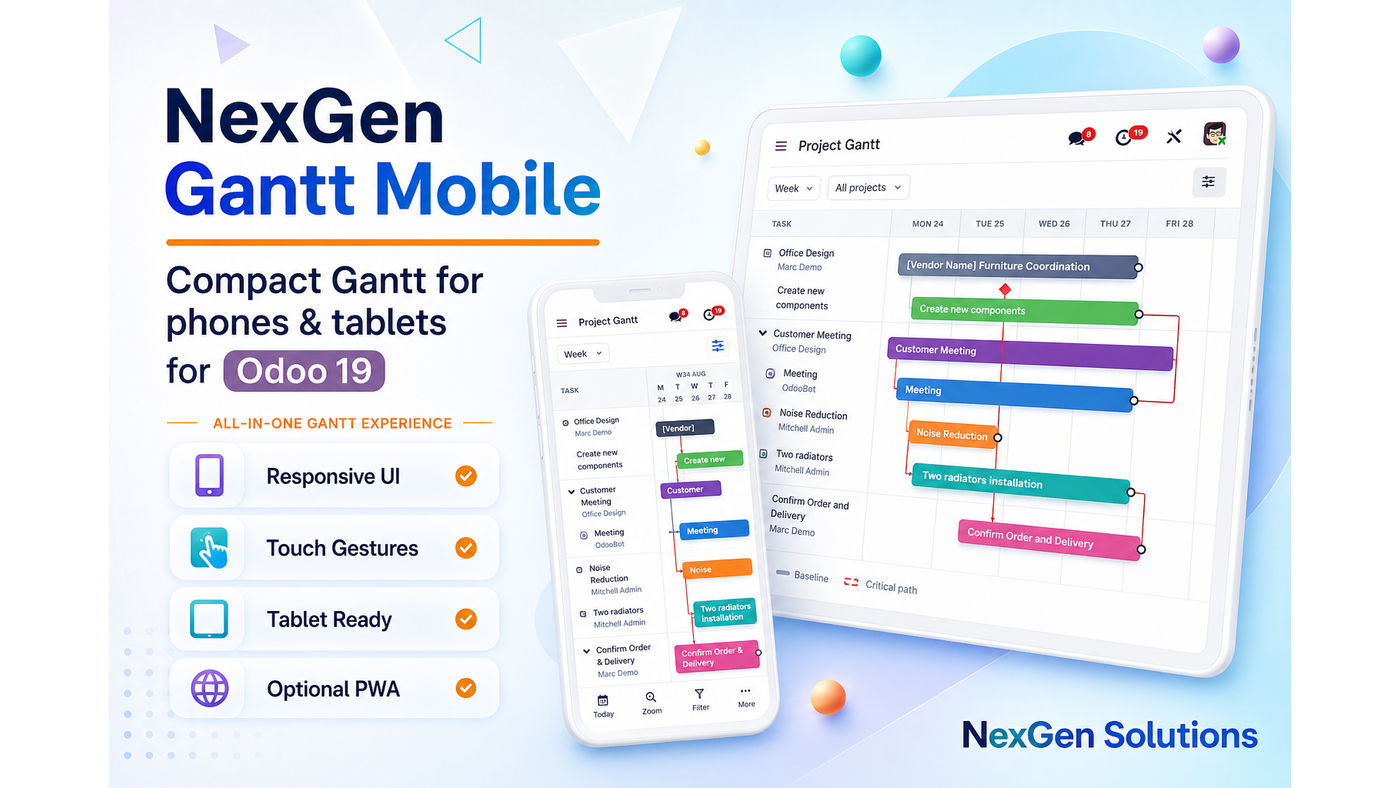
Premium Odoo 19 apps — dashboards, Gantt, access control, hotel, barcode and more. Click any card to open it on the Odoo Apps Store.





Ready to upgrade your Odoo lists?
Install List View Manager and give every team member a faster, clearer way to work with data.
NexGen Solutions · nexgensolutions.odoo.com