Have questions or need customization?
The NexGen Solutions team is here to help! Whether you need support, installation assistance, or a custom feature developed, we're just a click away.
NexGen Solutions
List View Manager - Accounting
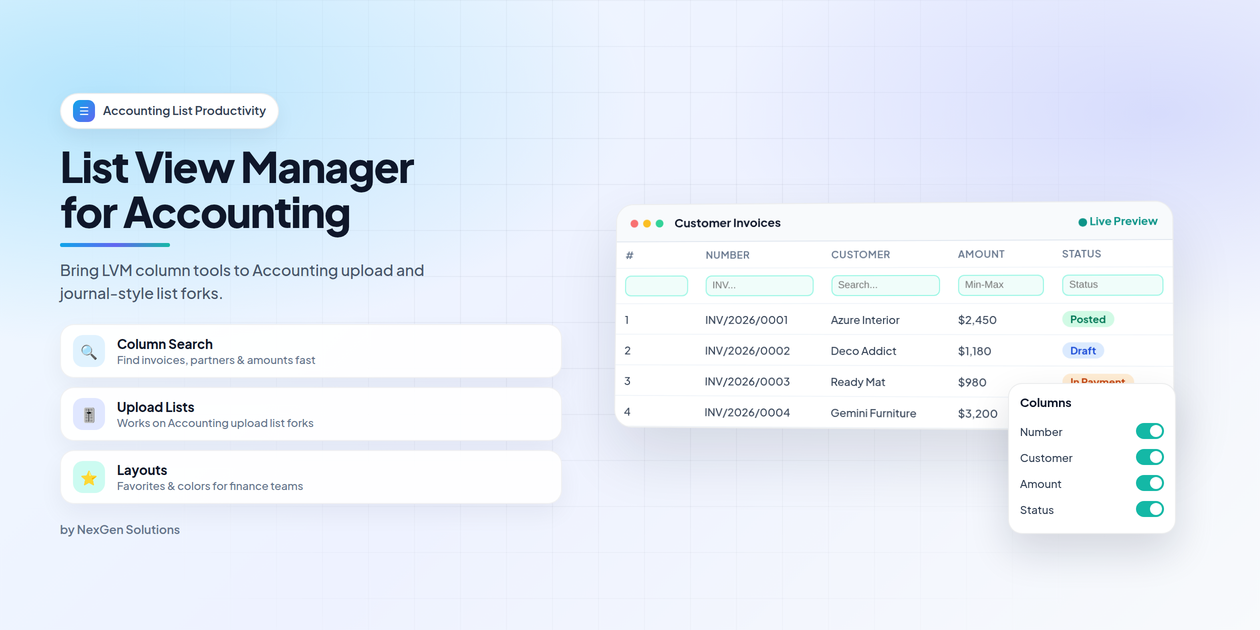
List View Manager - Accounting brings List View Manager to Accounting upload and journal-style list forks — so invoices, bills and finance lists get column search, dynamic layouts, favorites and colors.
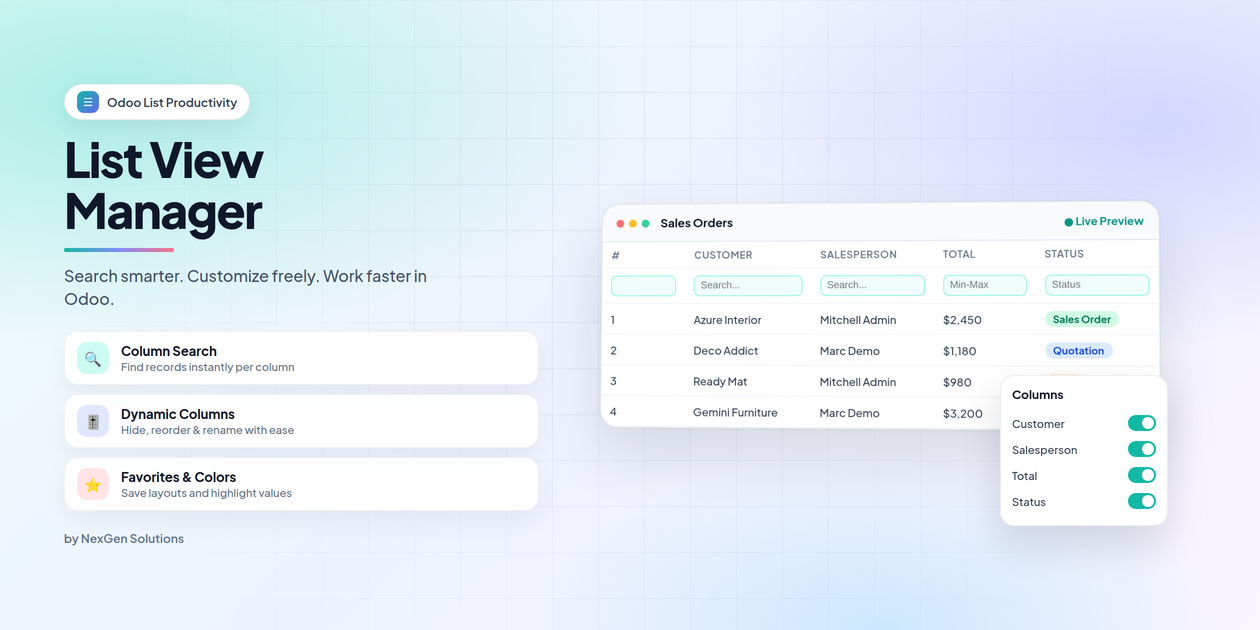
What does List View Manager - Accounting do in Odoo 19?
Accounting uses specialized list renderers such as FileUploadListRenderer and AccountUploadListRenderer. This companion bridges List View Manager into those forks so finance teams get the same LVM tools as everywhere else.
Technical name: list_view_manager_account_nexgen. Depends on: list_view_manager_nexgen, account.
- Auto-installs when List View Manager and Accounting are present
- Enables LVM UI on Accounting upload / journal-style list forks
- No extra configuration — works with existing LVM access rights
- Publisher: NexGen Solutions · nexgensolutions.odoo.com
Accounting lists — upgraded in place
Column search, Column Manager and LVM actions appear on Accounting lists that use upload list forks.
Feature map
Explore every capability unlocked on Accounting lists.
Q Column Search | Col Dynamic Columns |
★ Favorites | ● Field Colors |
Inv Invoices / Bills | Up Upload Lists |
# Serial Numbers | Ex Export / Duplicate |
Install once — Accounting lists feel smarter
This bridge connects List View Manager to Accounting upload list renderers.
1
Install LVMInstall List View Manager from Apps. | 2
Auto bridgeThis Accounting companion installs automatically with Account + LVM. |
3
Open listsOpen invoices, bills or upload lists — LVM tools are ready. | 4
Work fasterSearch columns, save favorites, color values, export & more. |
Full LVM power on Accounting lists
Everything from the core List View Manager — applied to Accounting lists that use specialized upload renderers.
Zero-config companion bridge
Keep List View Manager and Accounting installed. This module auto-installs and patches Accounting upload list templates — no XML edits required.
- Install list_view_manager_nexgen and the Accounting app
- list_view_manager_account_nexgen auto-installs as a companion
- Refresh the browser and open Accounting list views
- Configure colors, serials and search from Settings → List View Manager
Frequently asked questions
Do I need to buy this separately from List View Manager?
Which Accounting screens are covered?
Will it change posting or payment workflows?
Does it work on Community and Enterprise?
What if I uninstall Accounting?
Who supports this module?
Clearer finance lists. Same LVM experience.
Help accountants filter invoices, partners and amounts faster — with personal layouts that stick.
|
Q
Find documents fasterSearch number, partner, amount and status per column without complex domains. |
Sl
Cleaner finance layoutsHide noise columns and keep what accountants need visible. |
|
★
Shared favoritesSave invoice vs bill layouts and publish defaults for the finance team. |
Bk
Upload forks readyCovers Accounting list forks that standard list patches miss. |
Why the Accounting companion matters
Without this bridge, Accounting upload list forks may miss Column Search and Column Manager even when List View Manager is installed.
Capability comparison
With this companion vs. using List View Manager without the Accounting bridge.
| Capability | List View Manager - Accounting | Without bridge |
|---|---|---|
| LVM on Accounting upload list forks | ✓ Included | ✕ Often missing |
| Column search on invoices / bills | ✓ Included | ✕ Often missing |
| Column Manager on Accounting lists | ✓ Included | ✕ Often missing |
| Favorites / colors on finance lists | ✓ Included | ✕ Partial / missing |
| Auto-install with Account + LVM | ✓ Included | ✕ Manual work |
90 days free support after purchase
Installation, configuration guidance, questions and bug fixing from NexGen Solutions
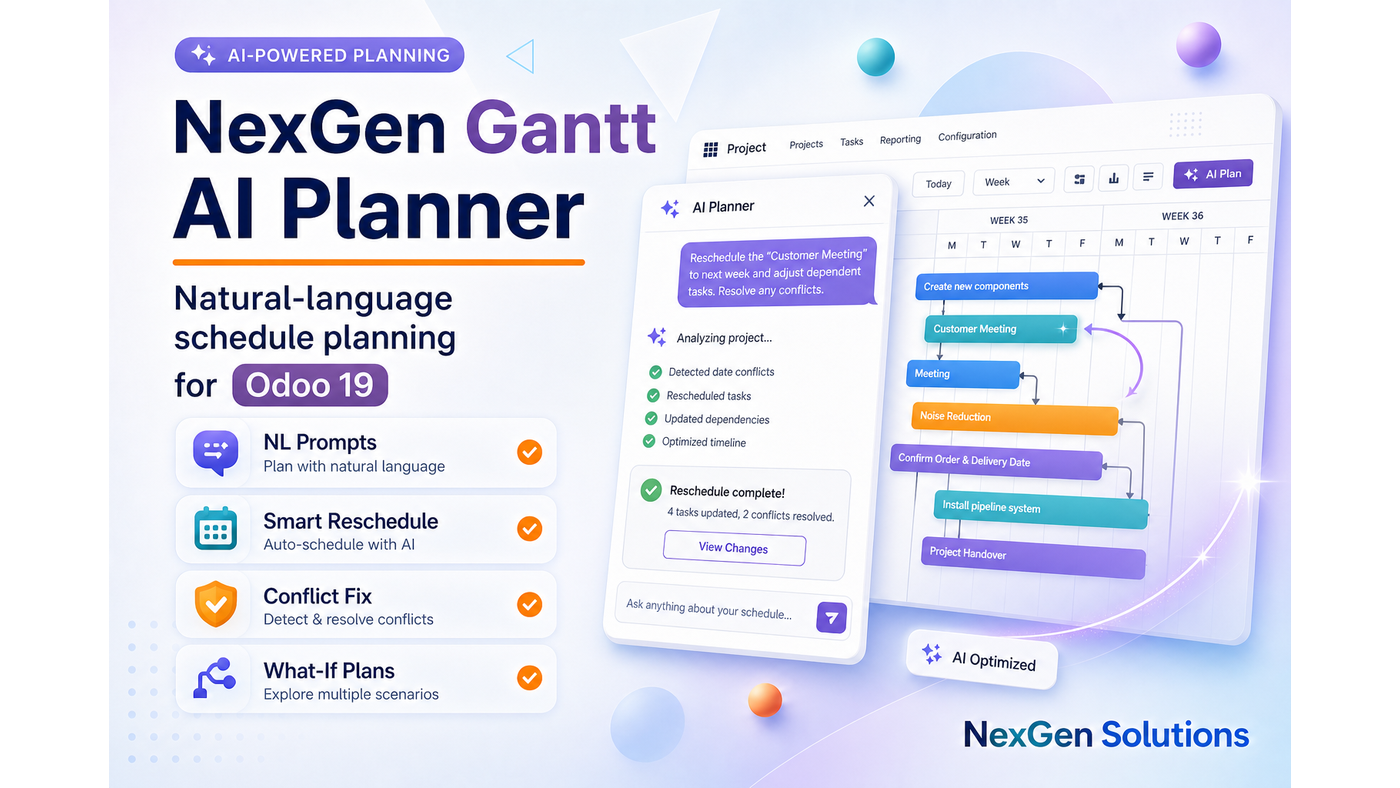
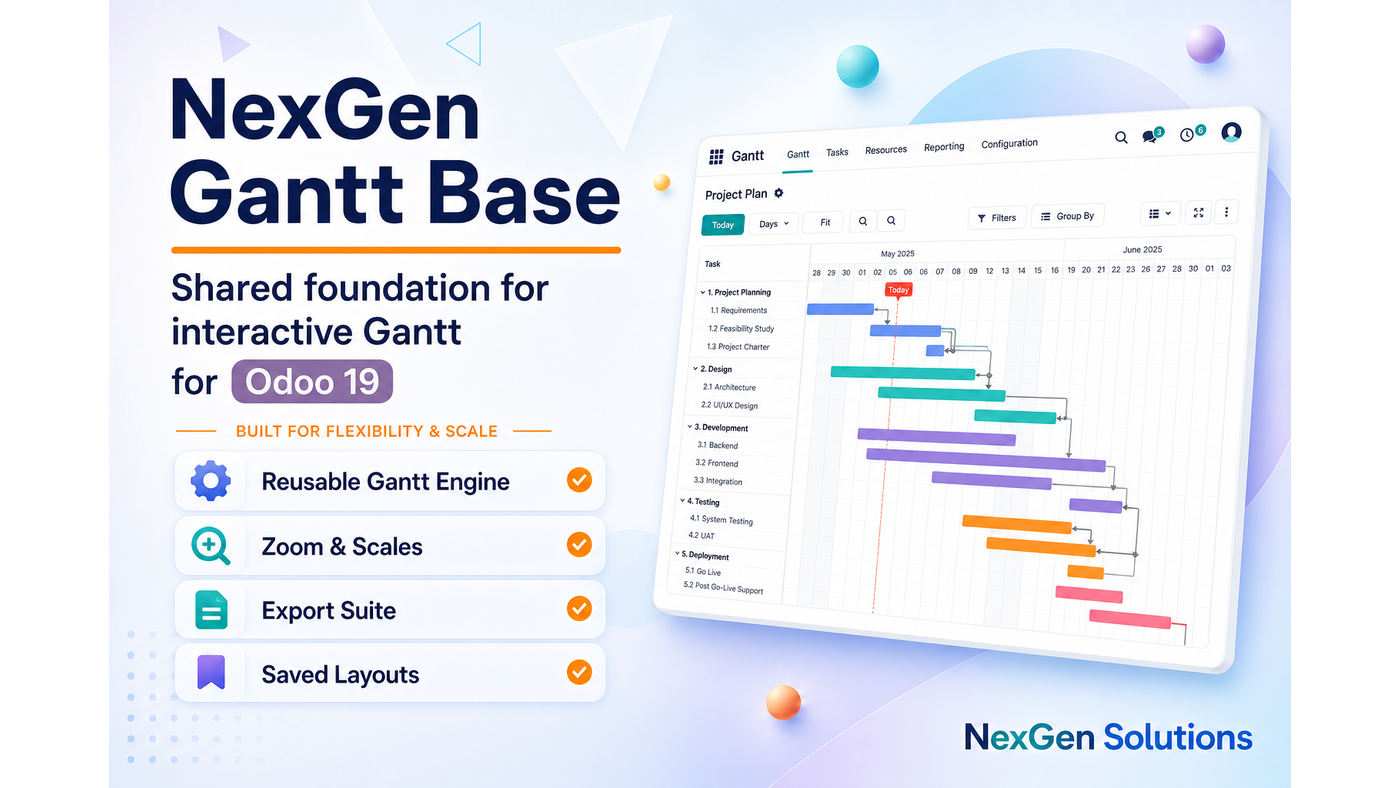
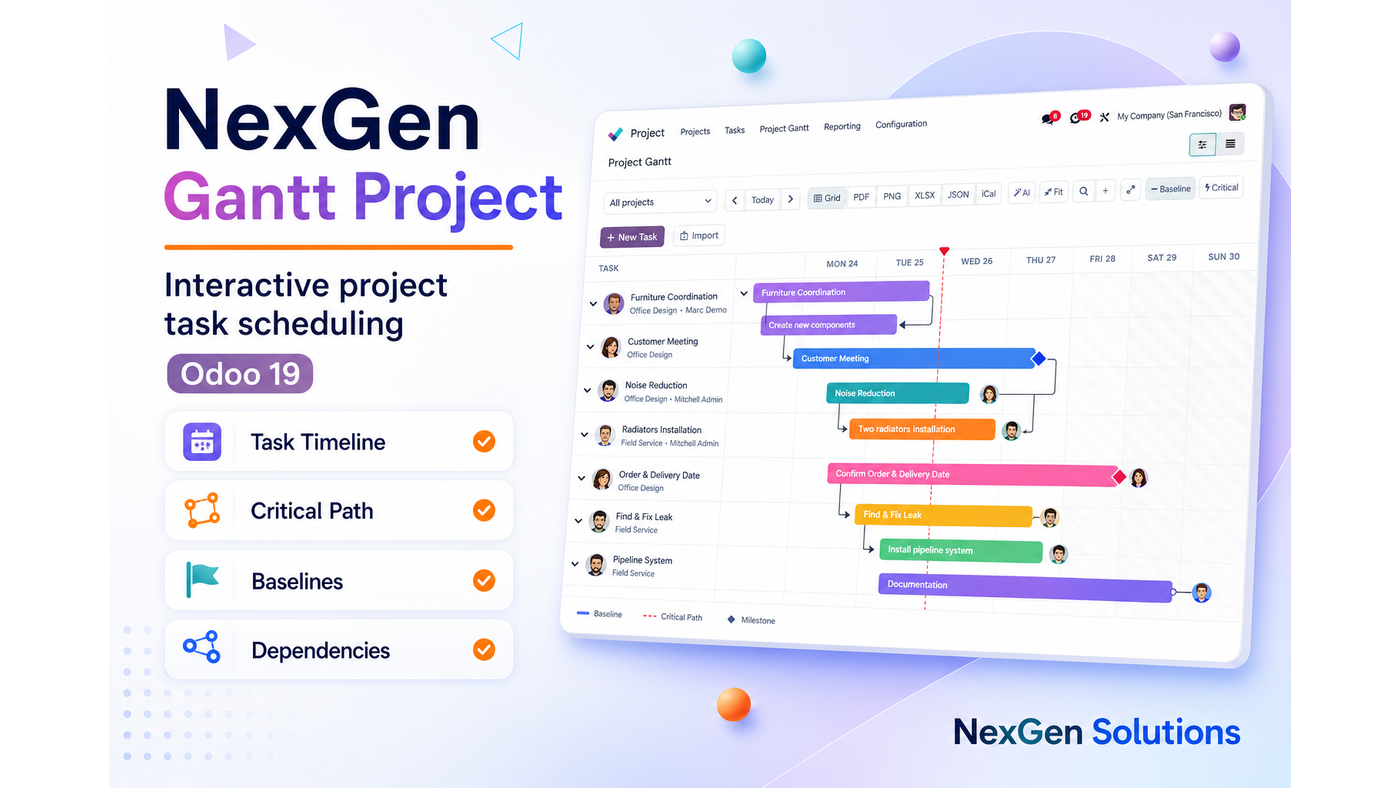
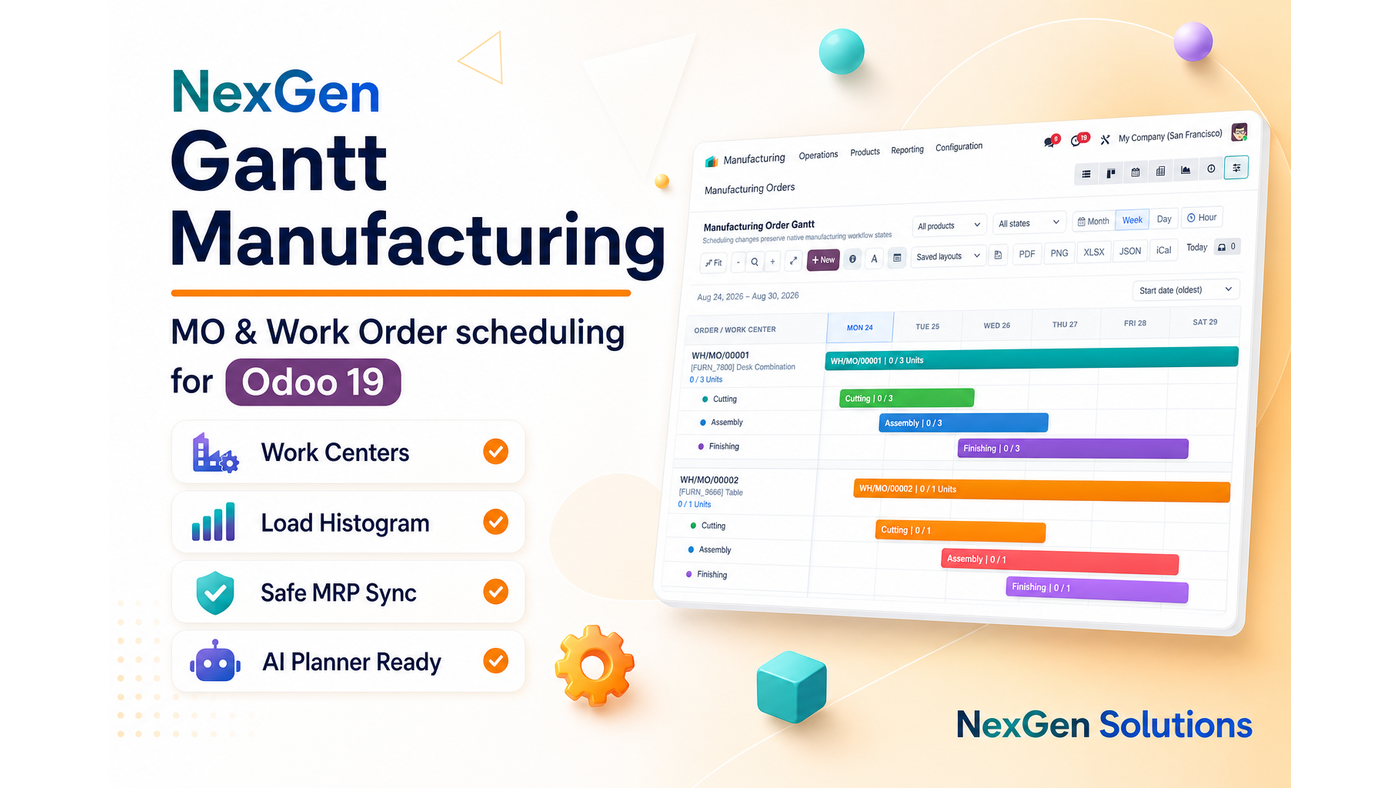
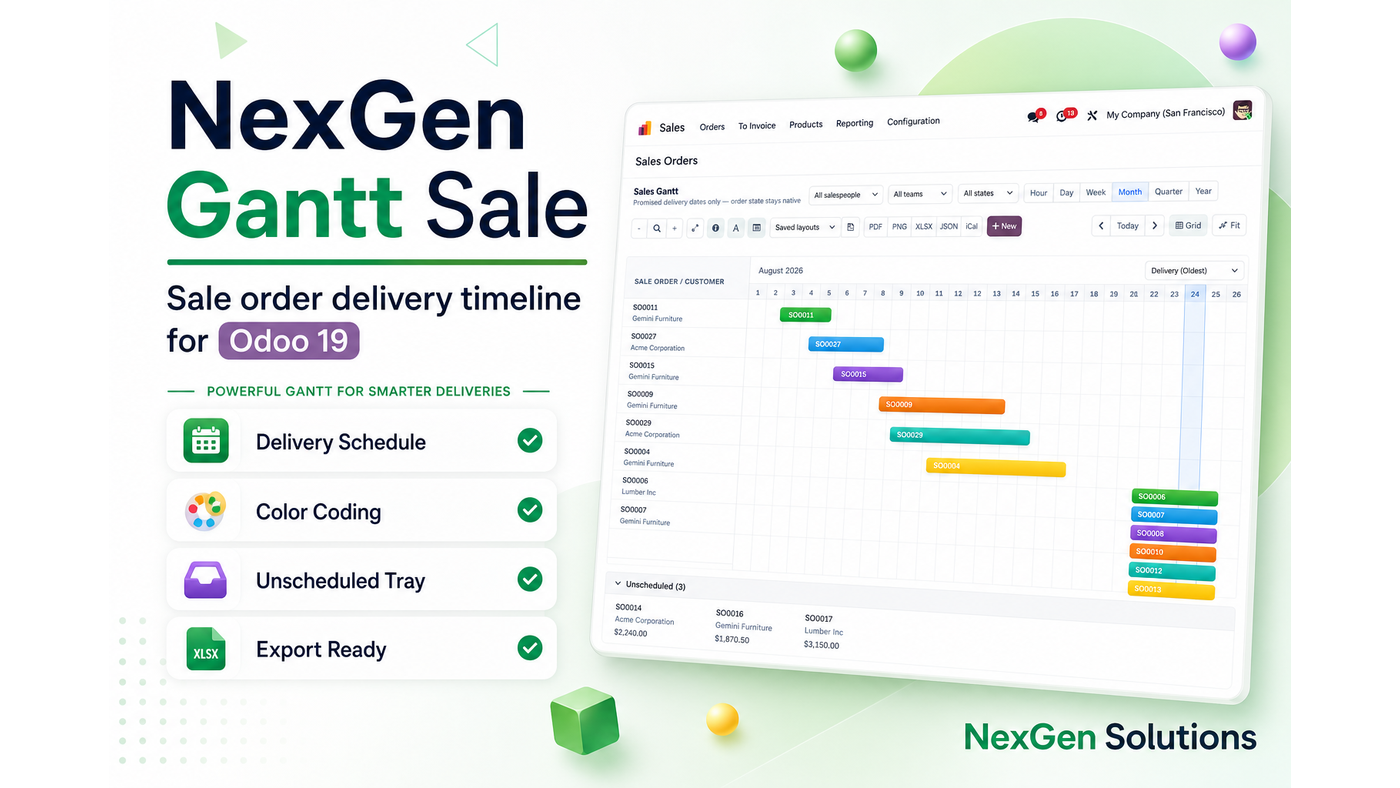
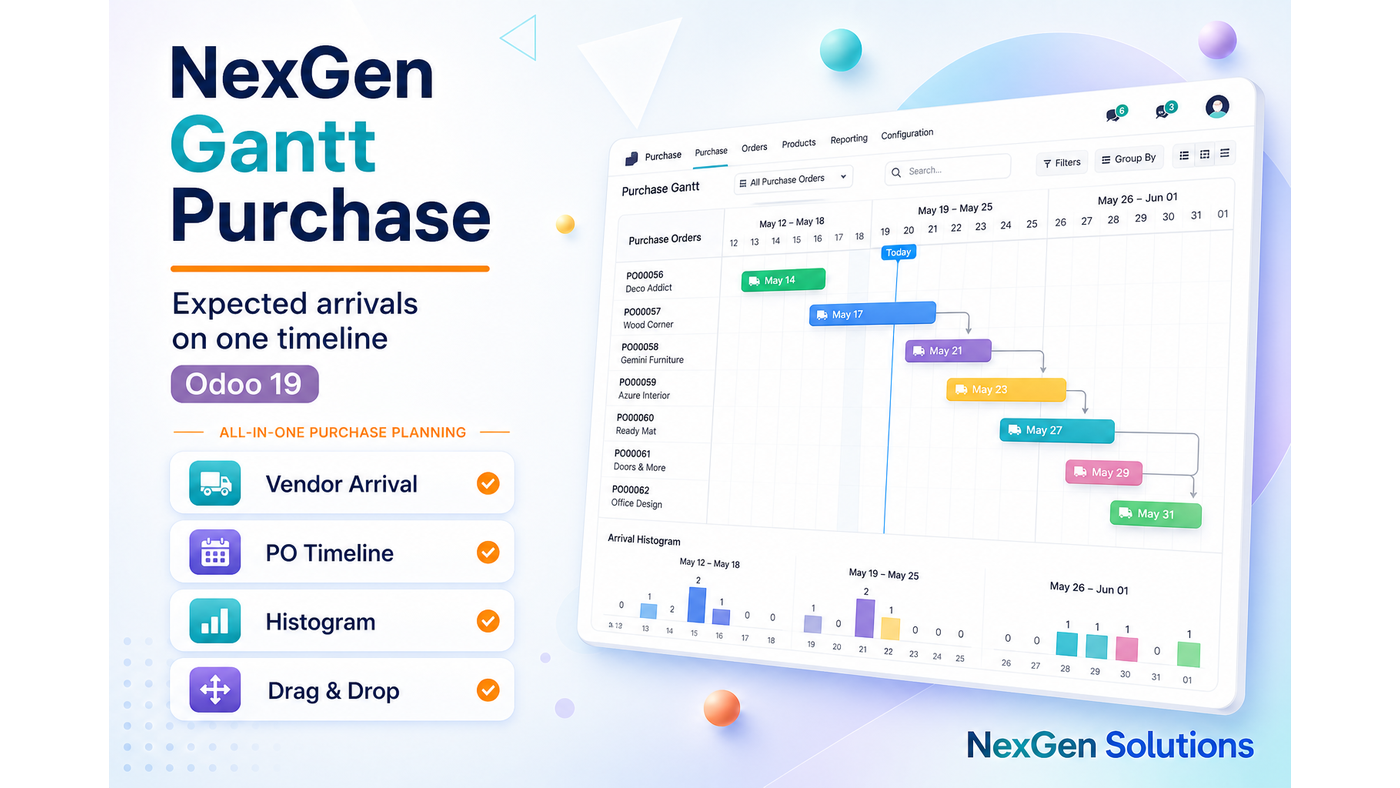
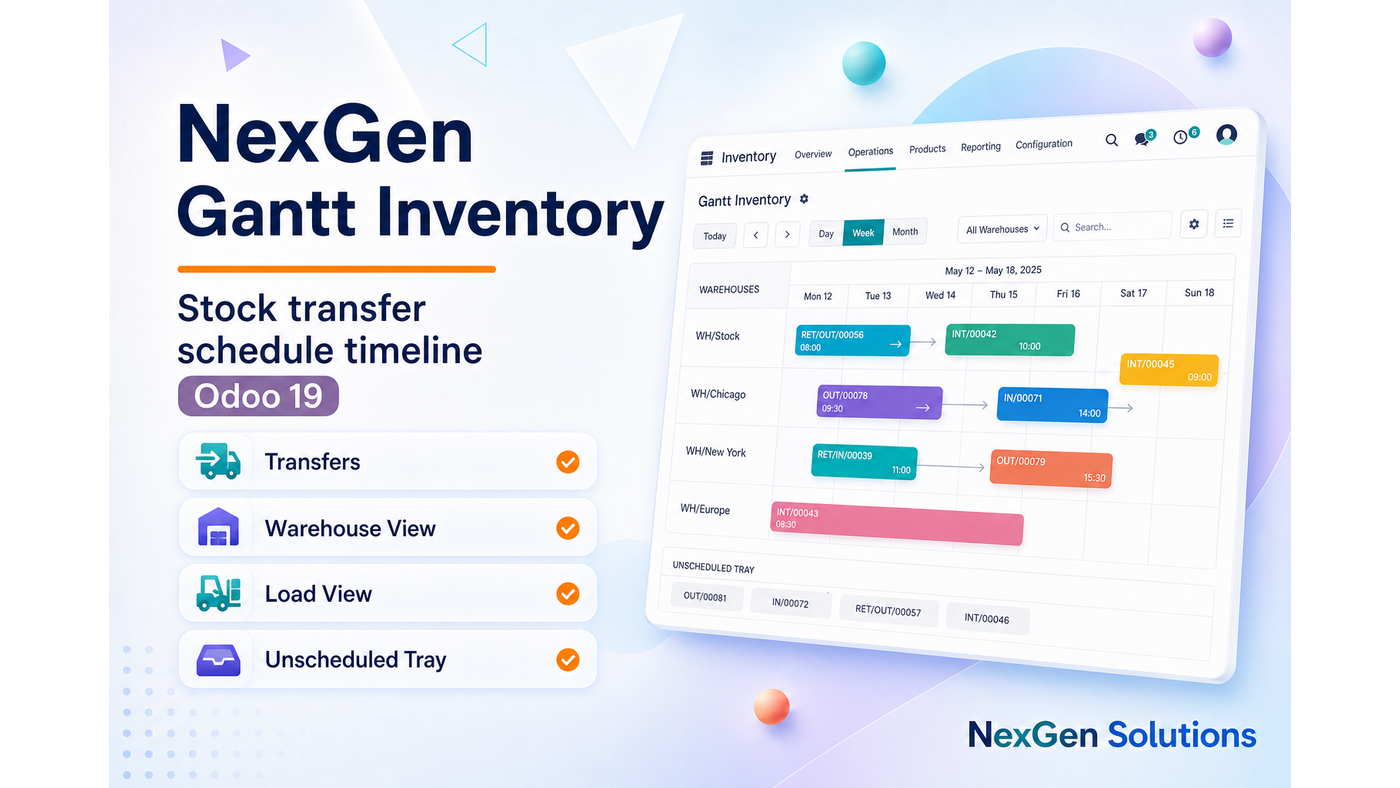
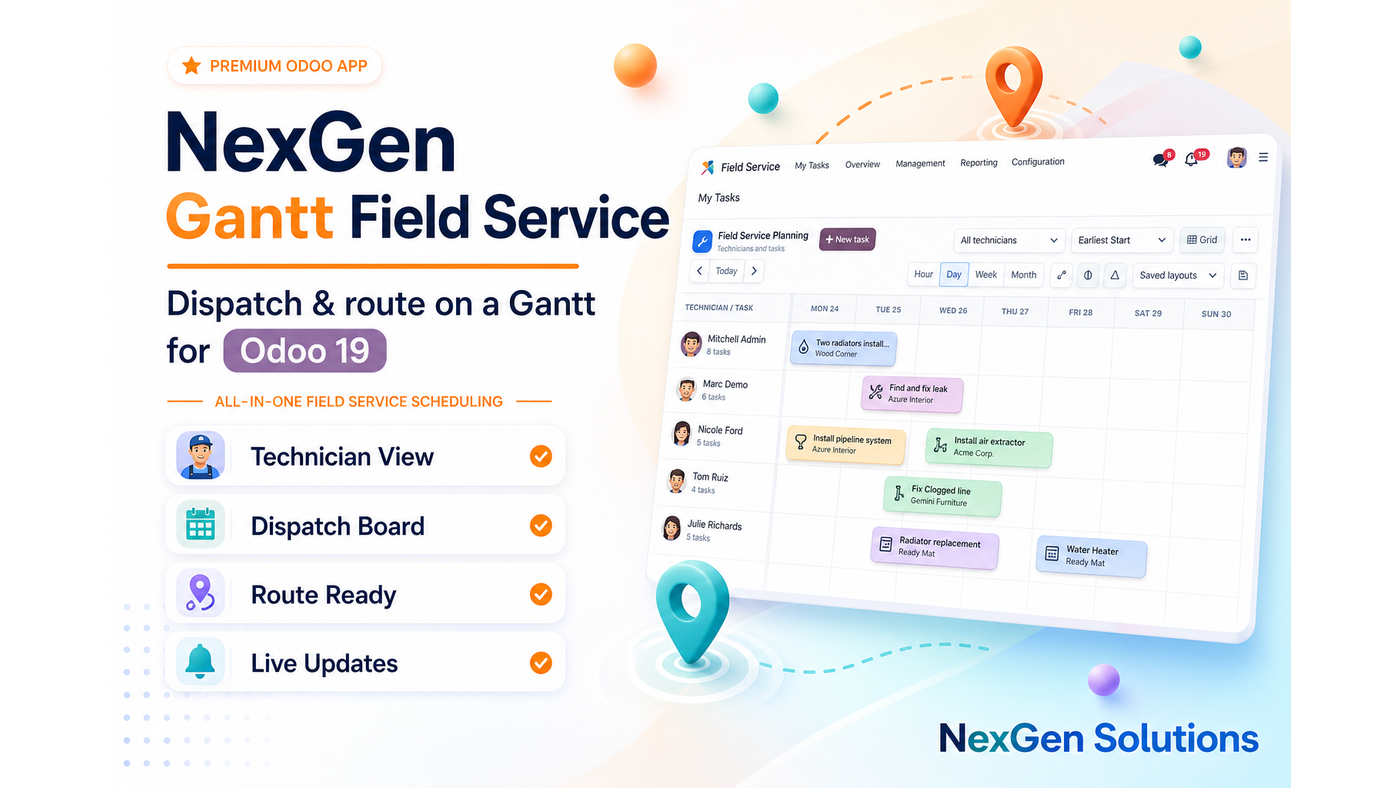
Explore our suggested Odoo apps
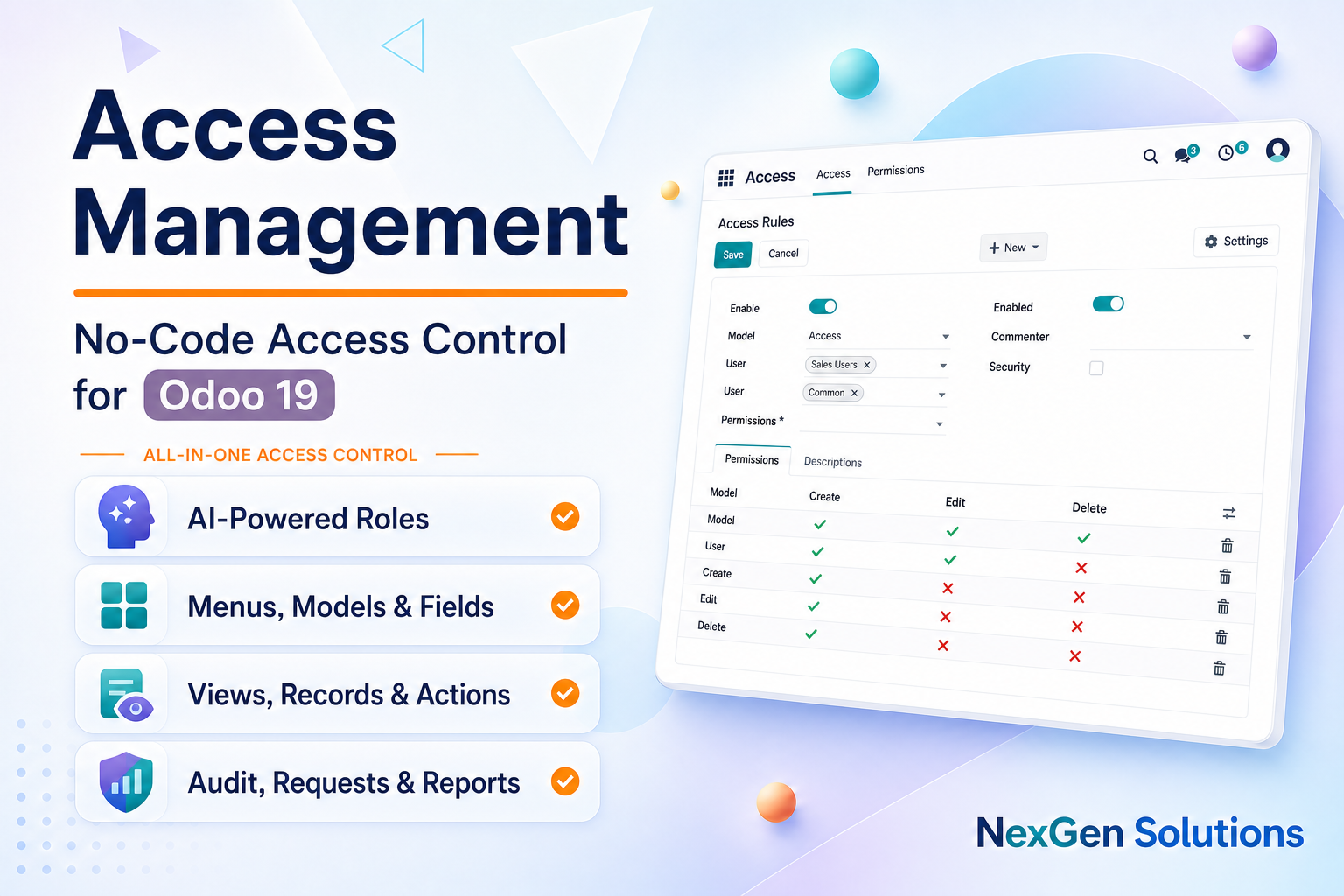
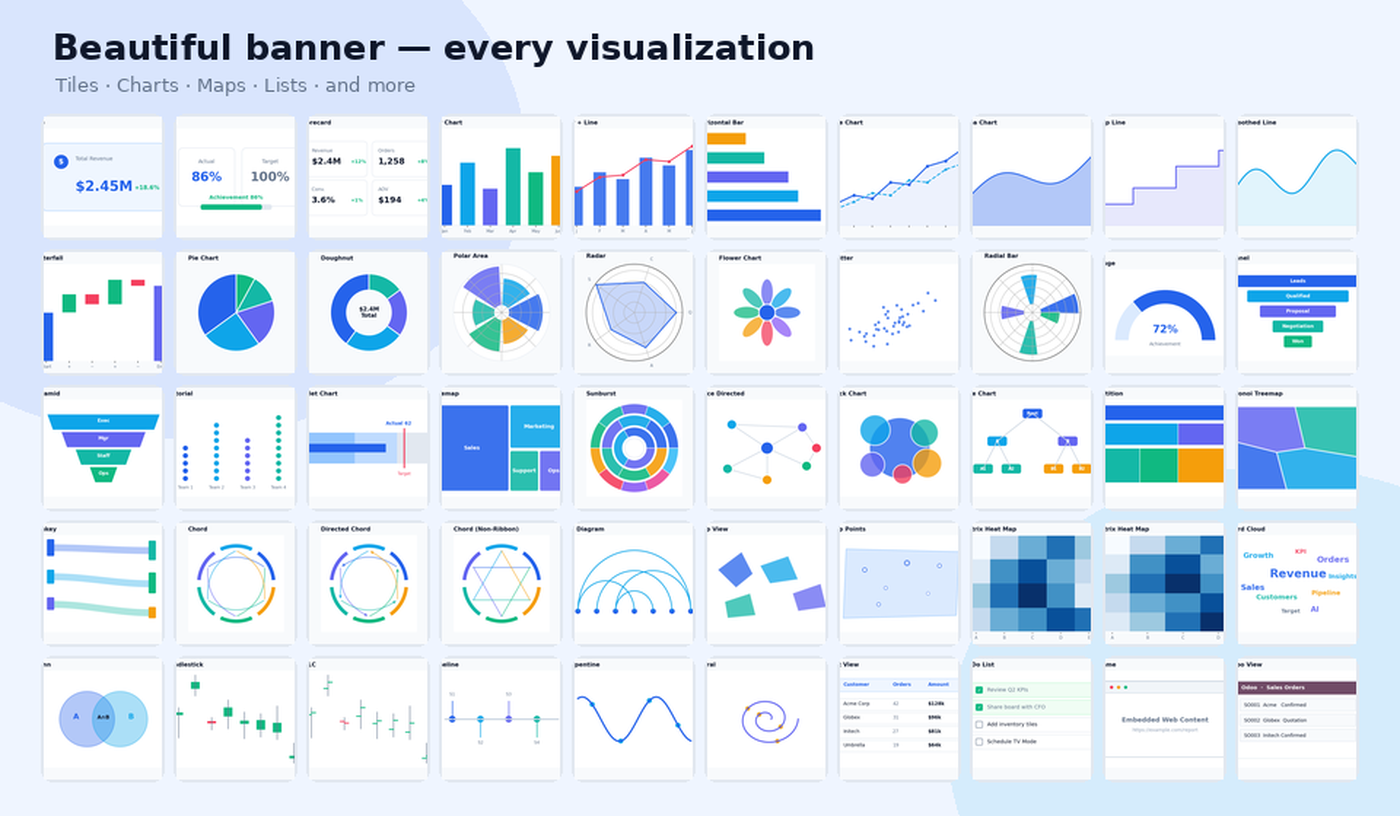
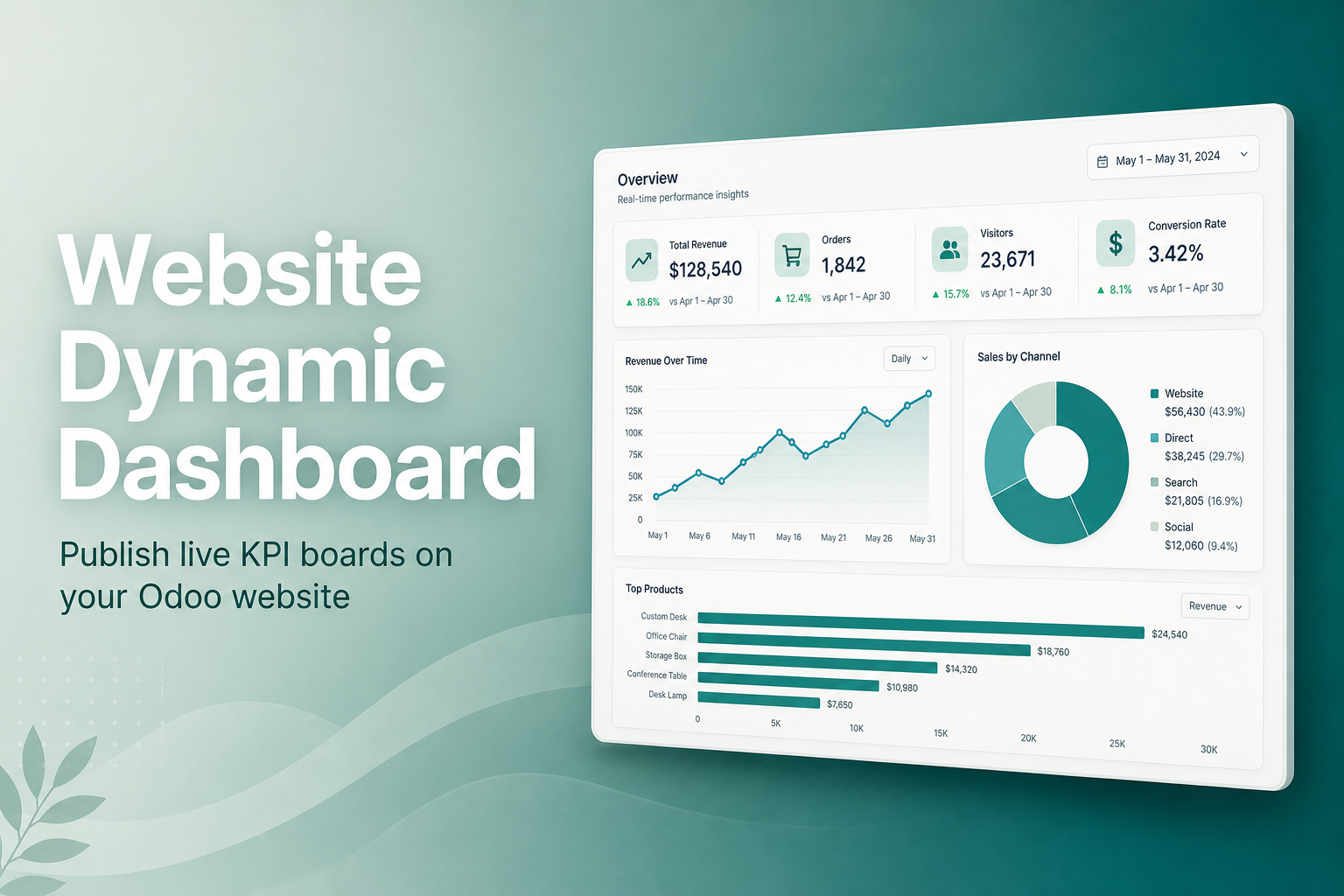
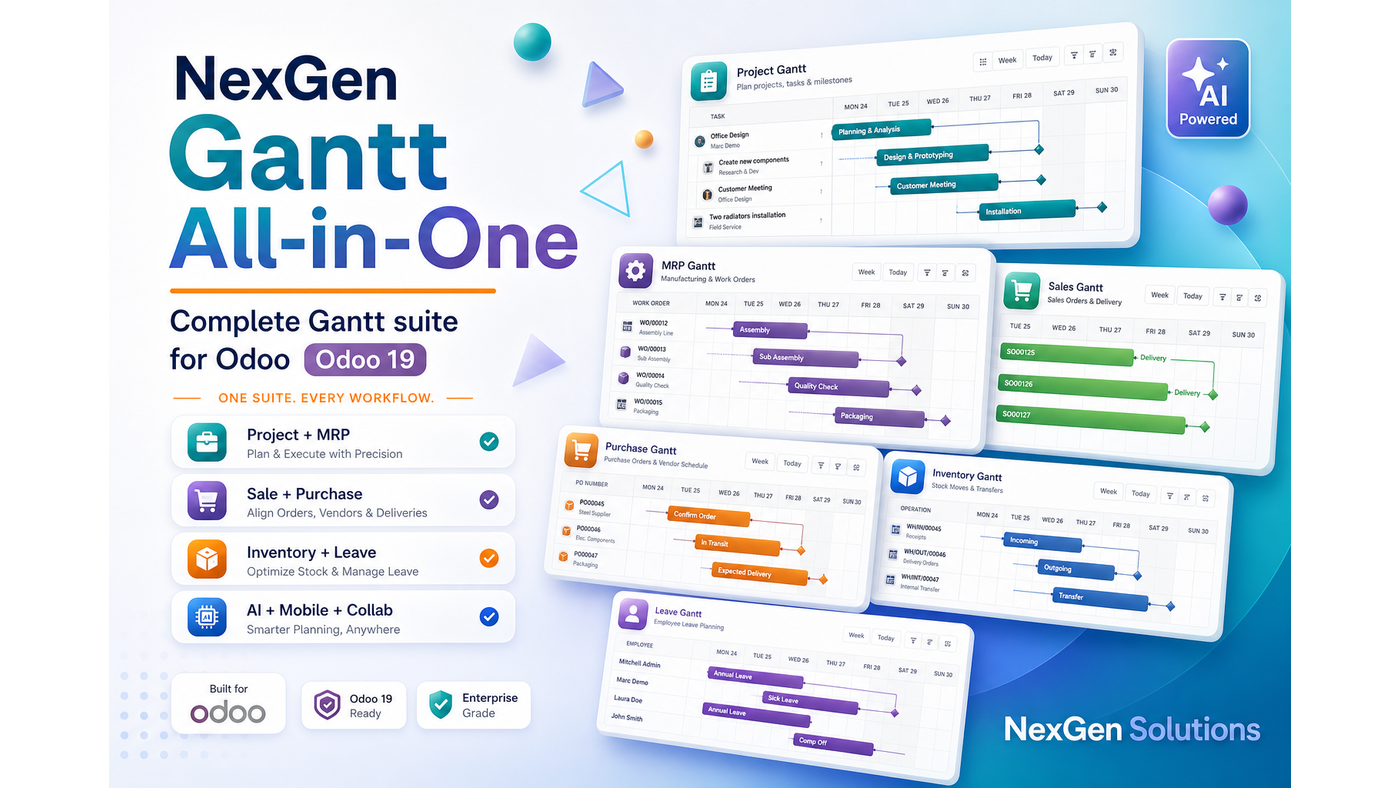
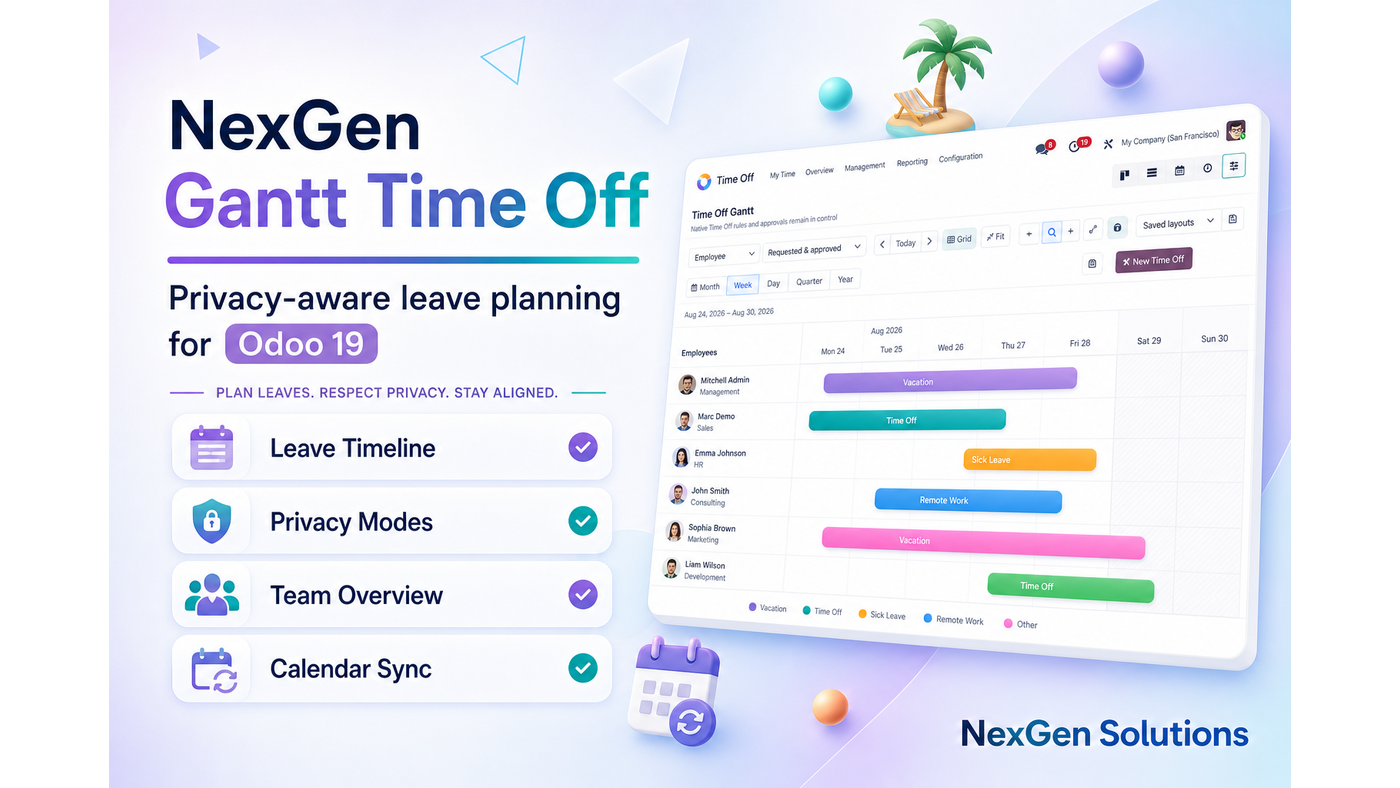
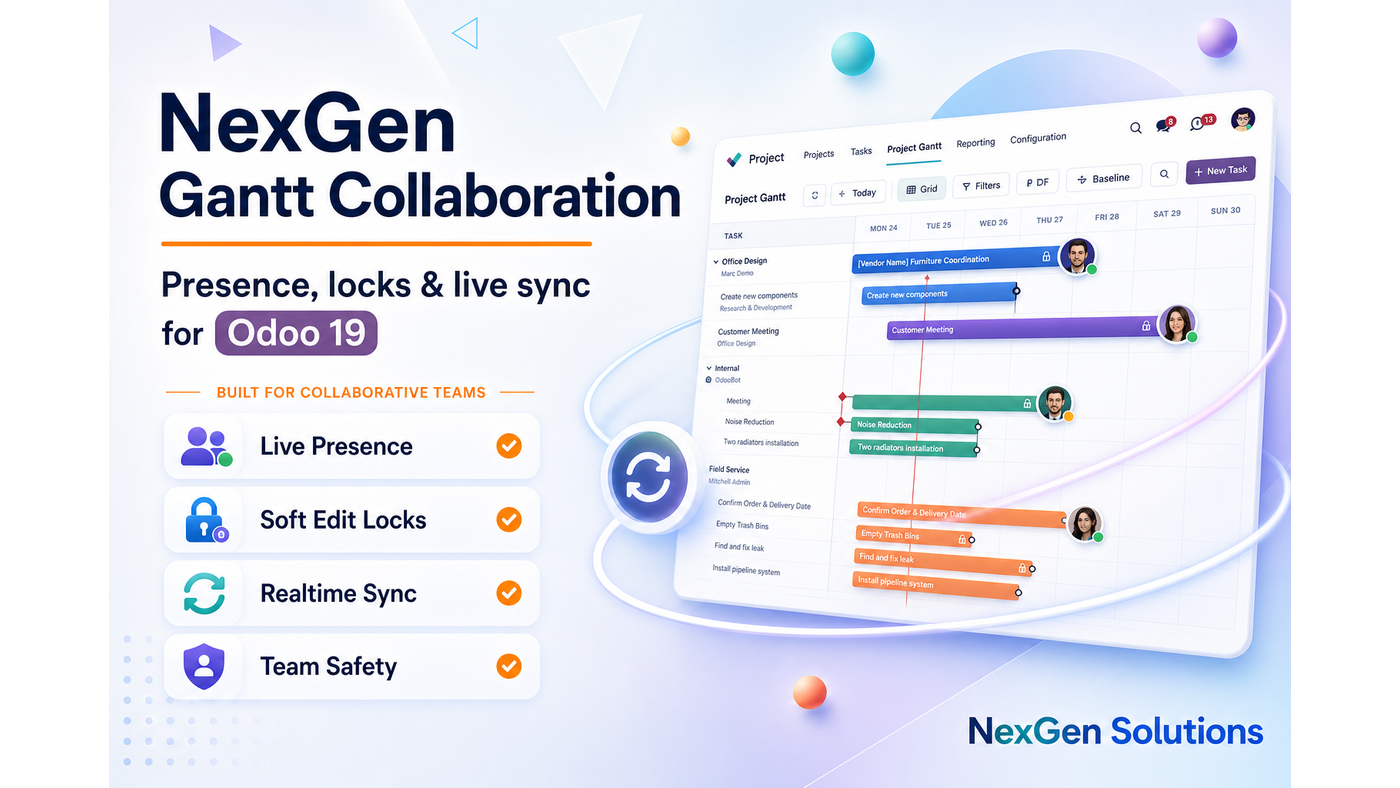
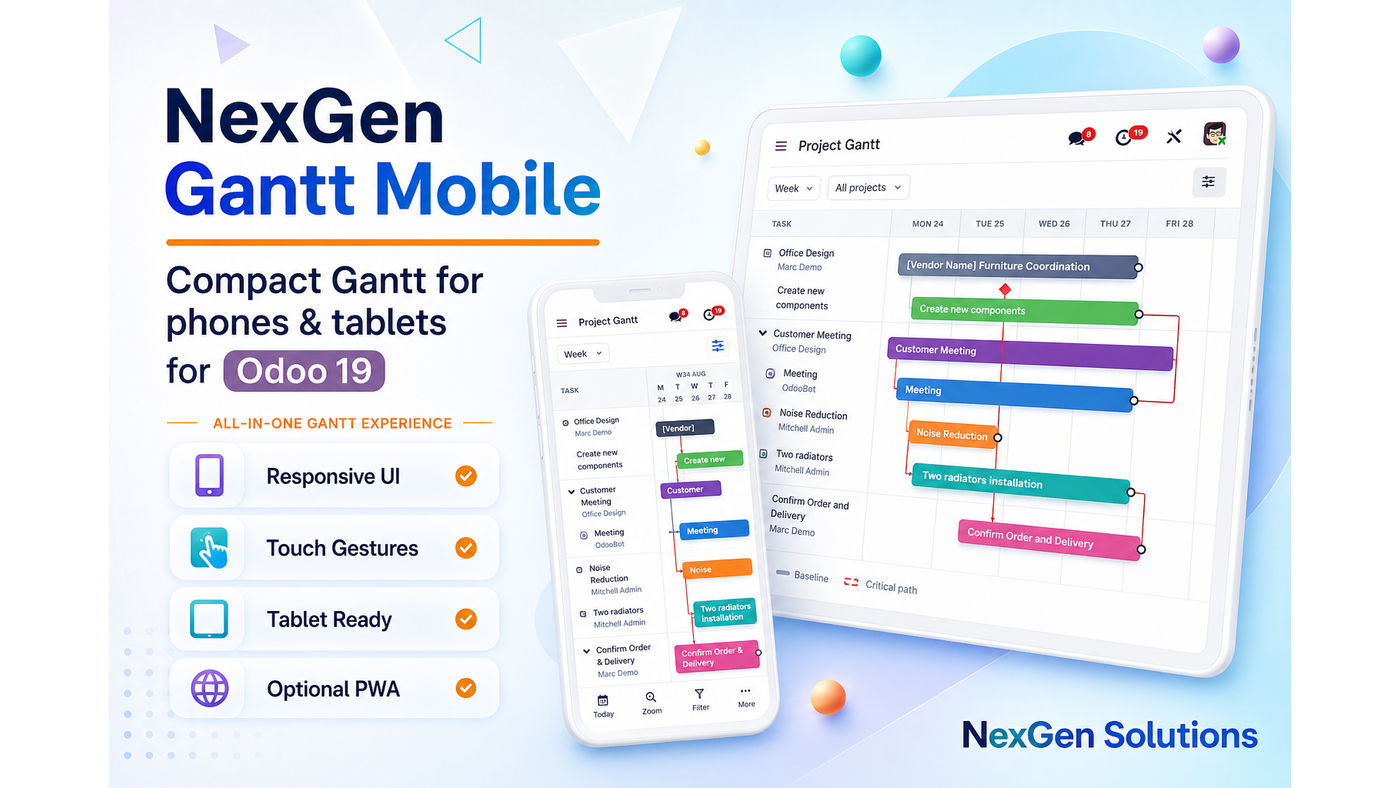
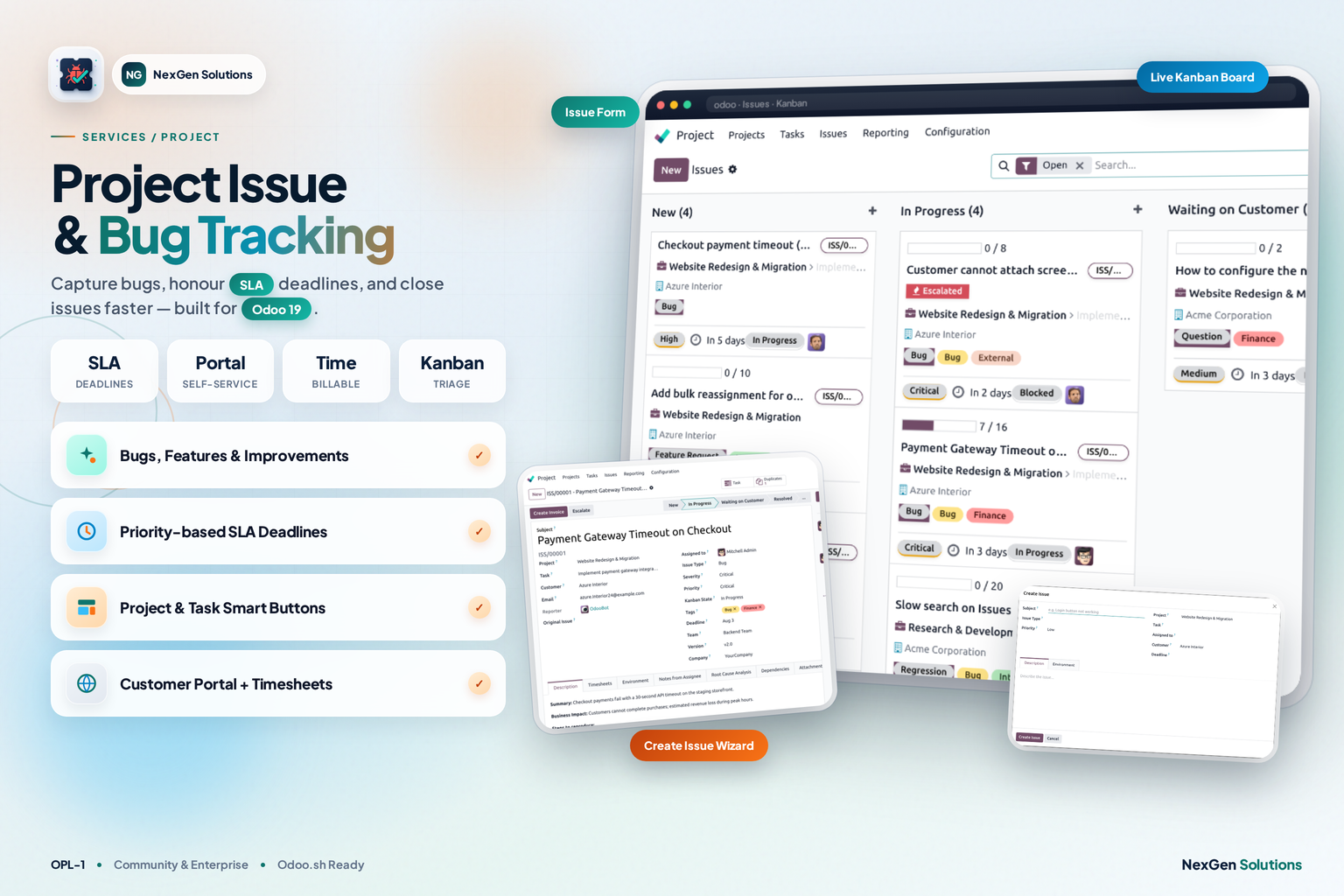
Premium Odoo 19 apps — dashboards, Gantt, access control, hotel, barcode and more. Click any card to open it on the Odoo Apps Store.



Ready to upgrade your Accounting lists?
Install List View Manager with Accounting — this companion unlocks LVM on upload list forks automatically.
NexGen Solutions · nexgensolutions.odoo.com